Walkthroughs

Everything it tracks

Invite only

An early look for people we have invited. If you were given a code, enter it here.

Enter your code
A man stands inside a squat rack with a loaded barbell across his upper back, about to unrack it, in a dark gym.

Coming to the App Store

Built around one person: you.

Your lifts, recovery, bloodwork and cycle in one place, read by a coach that knows your history and builds or moves your plan only when you approve it.

See how it works

Your records stay on your phone.

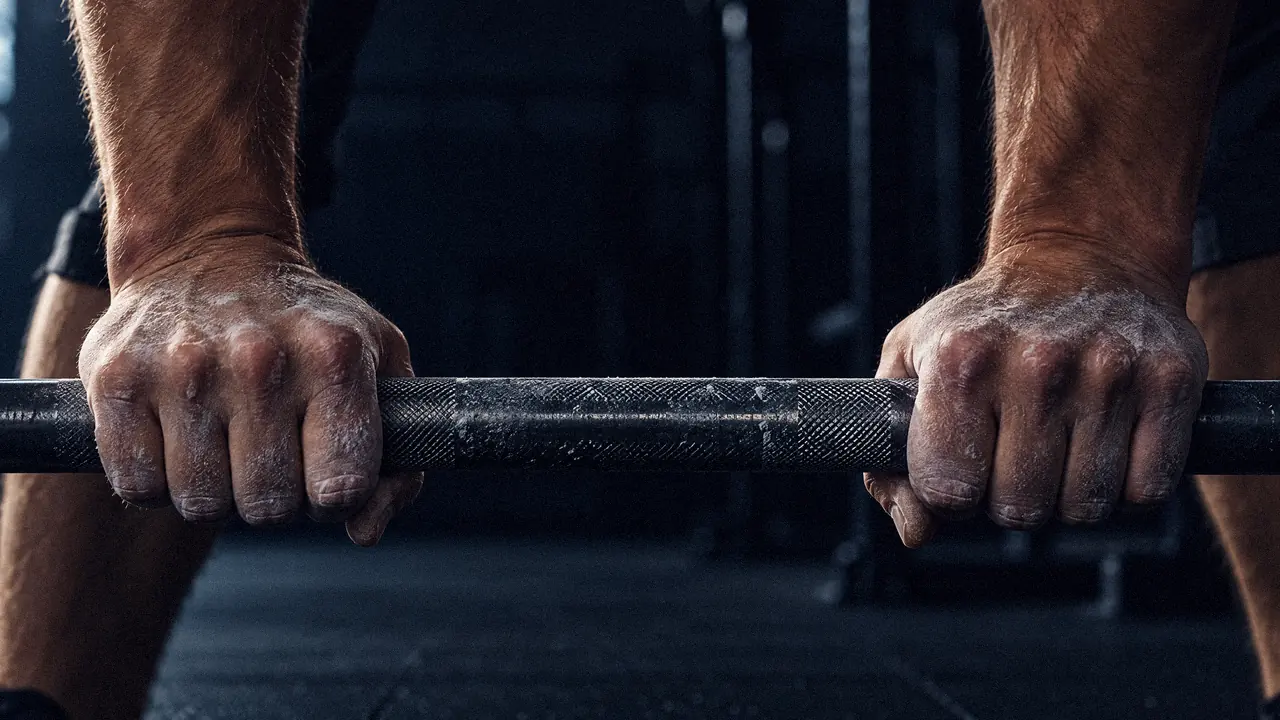
Two chalk-dusted hands gripping a knurled barbell, the gym dark behind them.

Chalk, steel, and the next set.

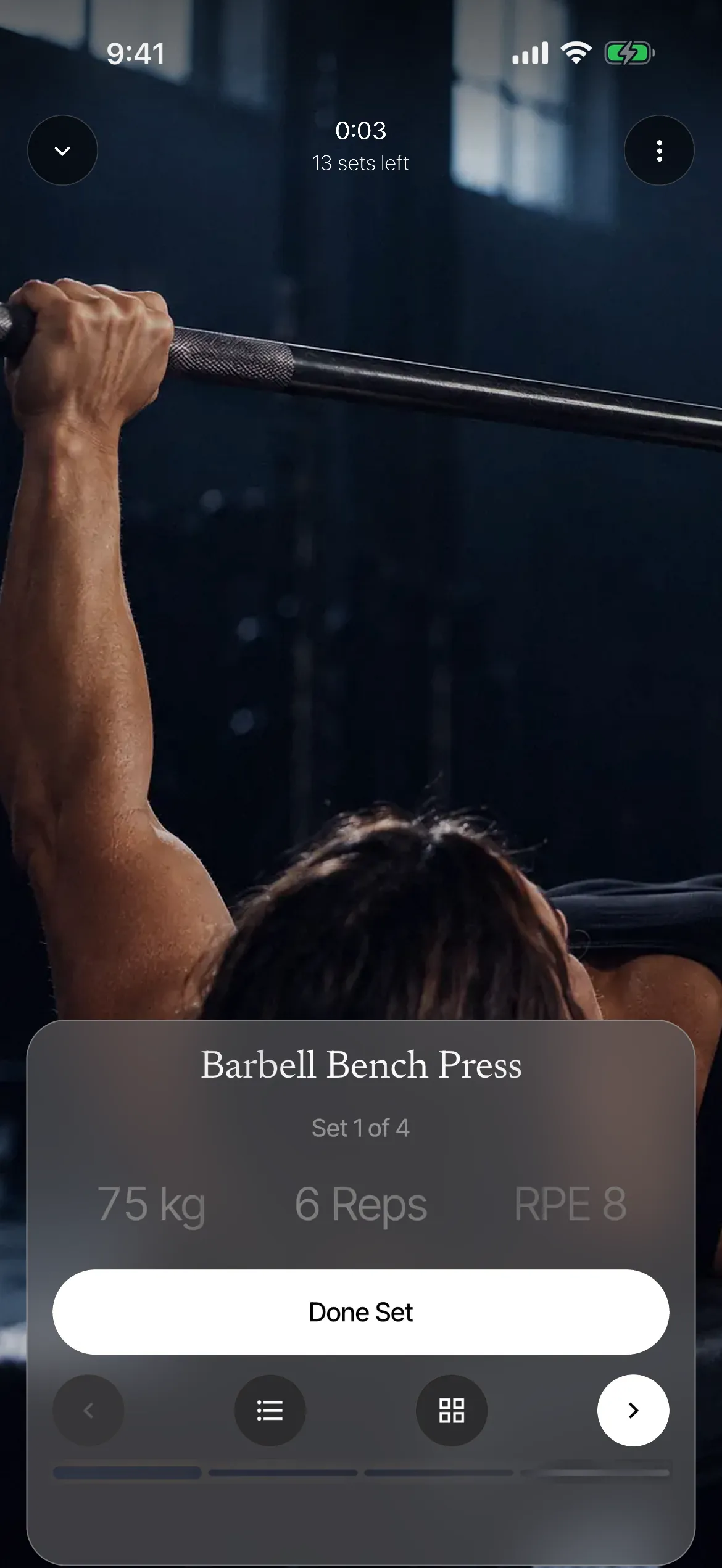
Log

Every set, quietly kept.

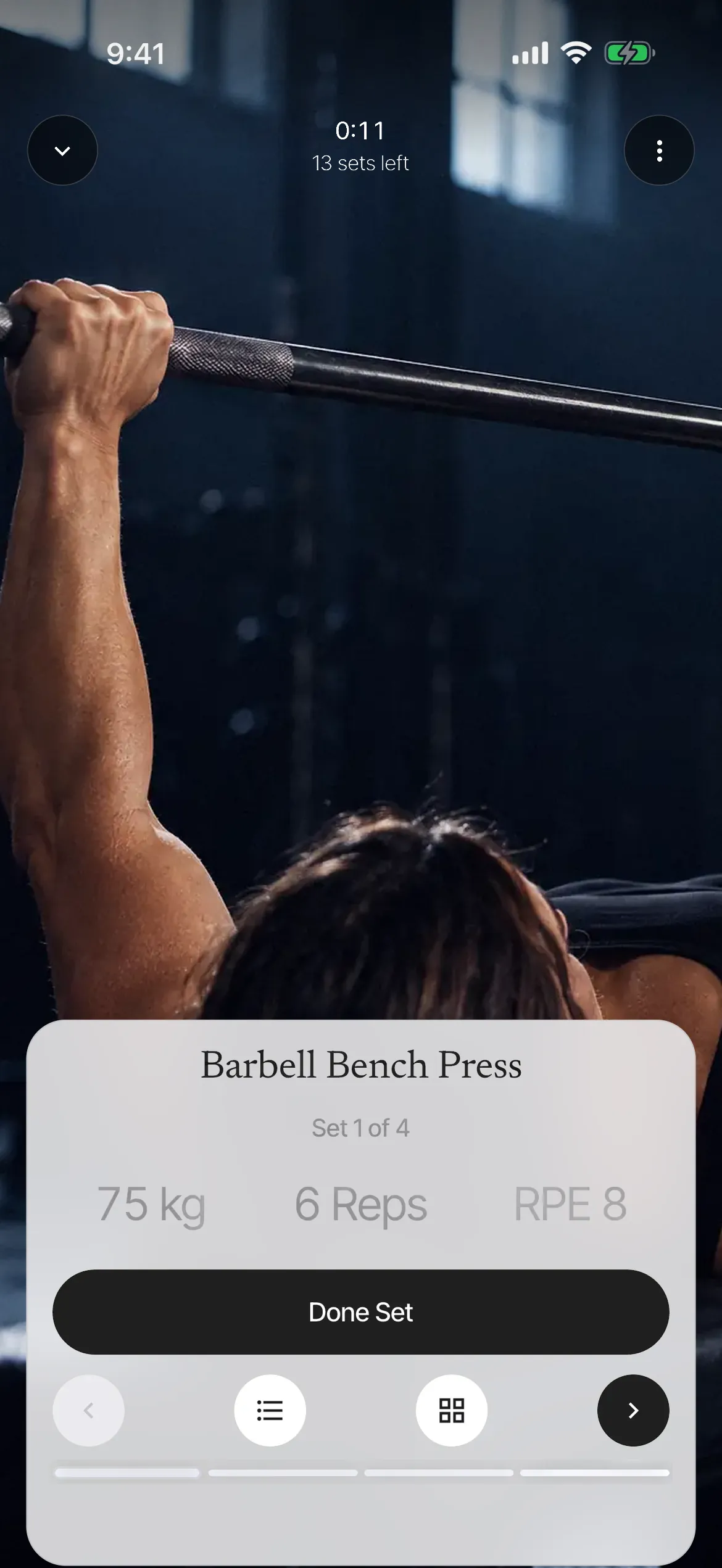
Log a set in two taps, let the timer run, and finish with a plain summary of what you did.

  1. Log the set.

    Reps and weight fill in from last time, so you change only what changed. Bench press, 3 x 5 at 75 kg.

  2. Rest, timed.

    The timer starts when you save the set, and a notification tells you when it is done, even with the phone in your pocket.

  3. Workout saved.

    Workout saved. 5 exercises, 18 sets. Bench press is up 2.5 kg on last week.

Your numbers

Numbers that move, read plainly.

Lifts, weight, check-ins and lab results sit side by side as plain trends, in your units and against the range your lab gave, with no scores or traffic lights.

Squat, 3 x 5 at 100 kg.

Up from 97.5 kg two weeks ago.

Squat, working weight

kg
Squat, working weightSquat working weight over eight weeks, rising from 90 to 100 kilograms, with a dotted target line at 102.5 kilograms.
Eight weeks of squat. The dotted line is the target you set, and it stays a line, not a verdict.

Protocols

Phases, on your charts.

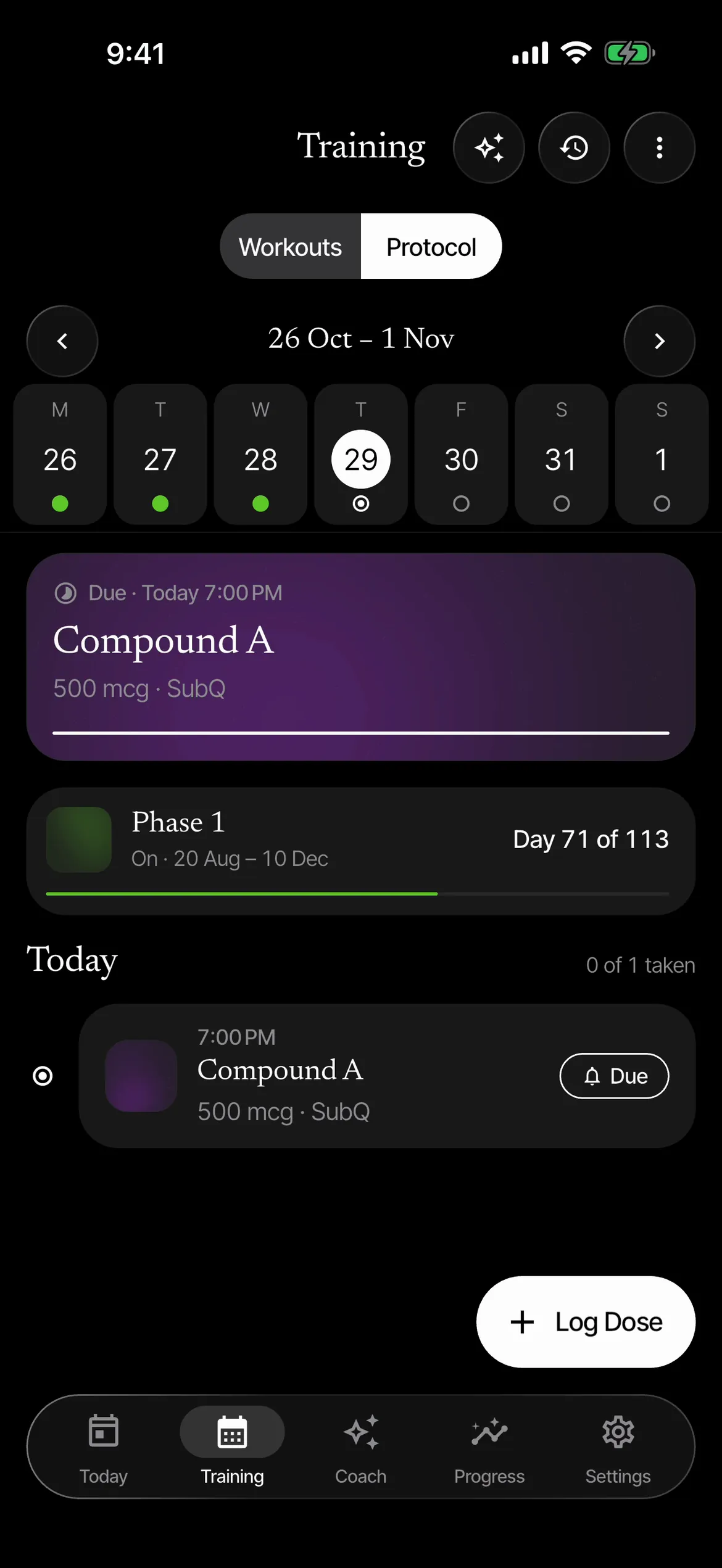
If you run a protocol, its phases show as shaded bands on your bloodwork, weight and lift charts, so a change in a marker can be read against what you were taking, and when.

Protocols stay hidden until you switch them on in Settings, and the coach sees only adherence, never individual doses.

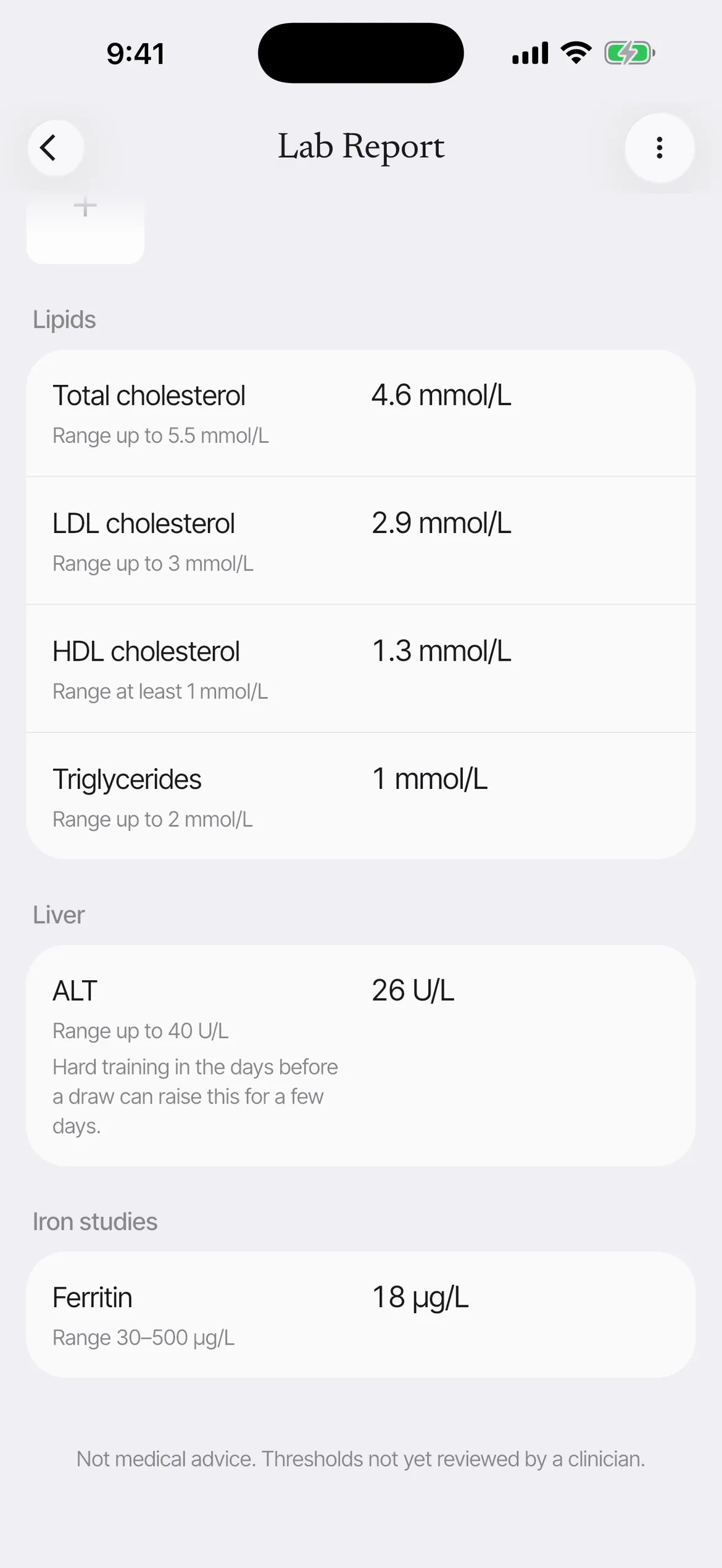
Ferritin, ug/L

18 ug/L
Ferritin, ug/LFerritin, ug/L: 24, 21, 16 and 18 across four draws, all below the lab range of 30 to 400. The Base phase is shaded from September.

Esmero is not a medical device. It shows your numbers and says when to ask a professional.

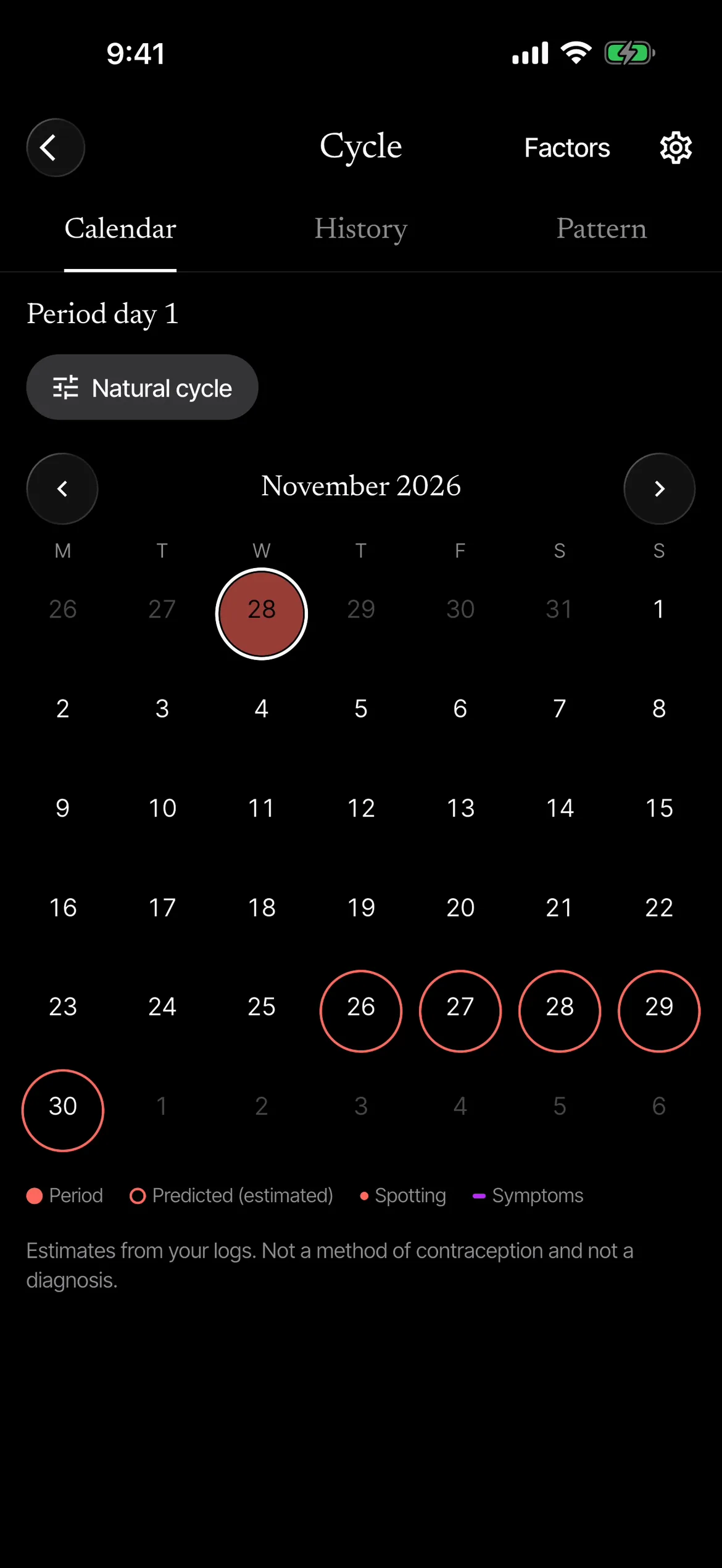
Period tracking

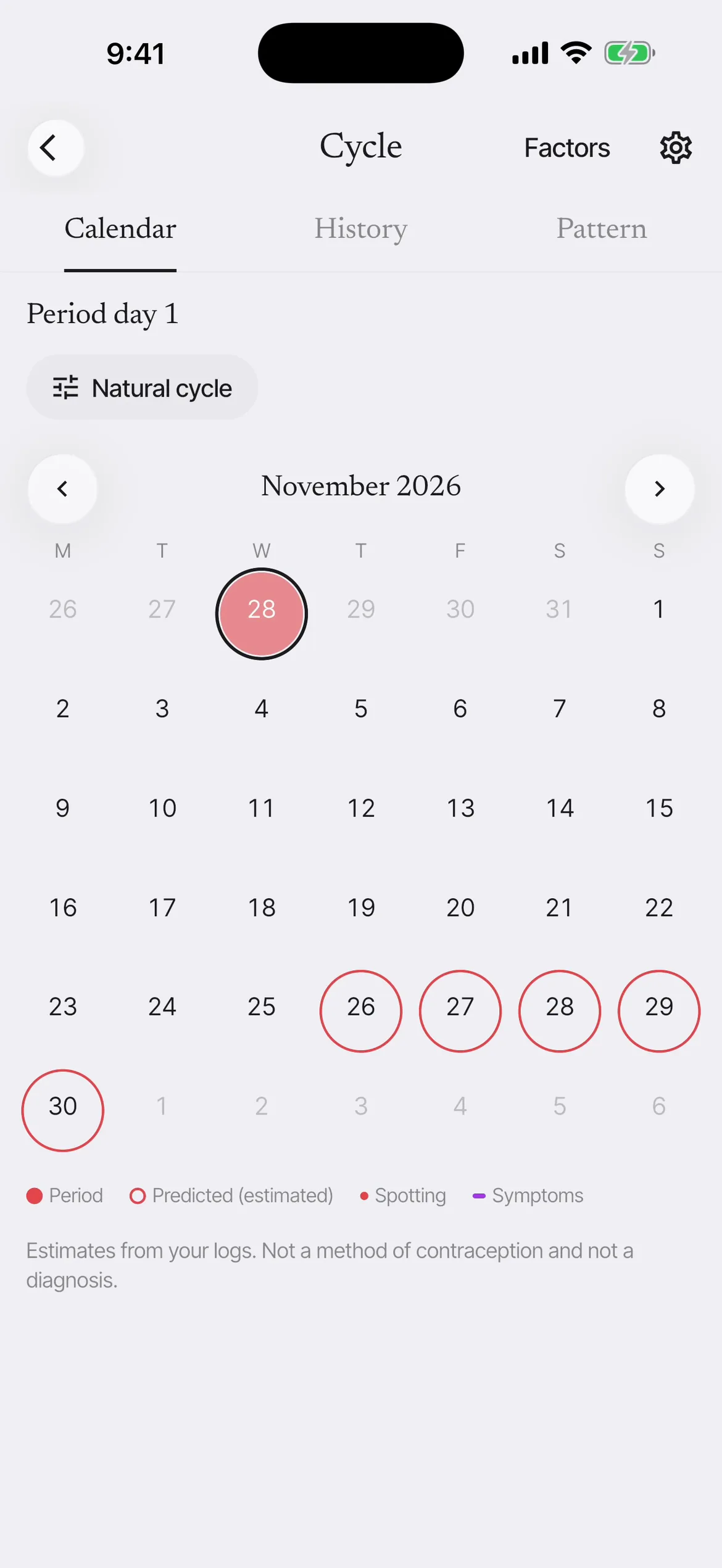
Your period, read beside your training.

Log a period in a few taps or bring it in from Apple Health, and see it next to your lifts, weight and bloodwork. Your records stay on your phone.

EstradiolDrawn 14 October 2026

160pmol/L

Cycle day 3 · Menstrual (estimated) · Natural cycle

Varies across the cycle. Compare results taken on similar cycle days.
  1. Your bloods, dated by your cycle.

    Lab draws taken while you track carry their cycle day, and the phase where it can be estimated, so a result from day 3 is not read against one from day 21.

  2. Your pattern, not a rule.

    After three cycles, Pattern shows your top sets, sleep and HRV in each phase against your own baseline. On average phase makes little difference to strength. This shows whether it does for you.

  3. A heavier morning, explained.

    Weigh-ins from three days before your period to day two say "Around your period: likely water".

On the pill, a hormonal IUD, in perimenopause or on other hormones, Esmero changes what it predicts, and hides phases when it cannot estimate them.

How period tracking works
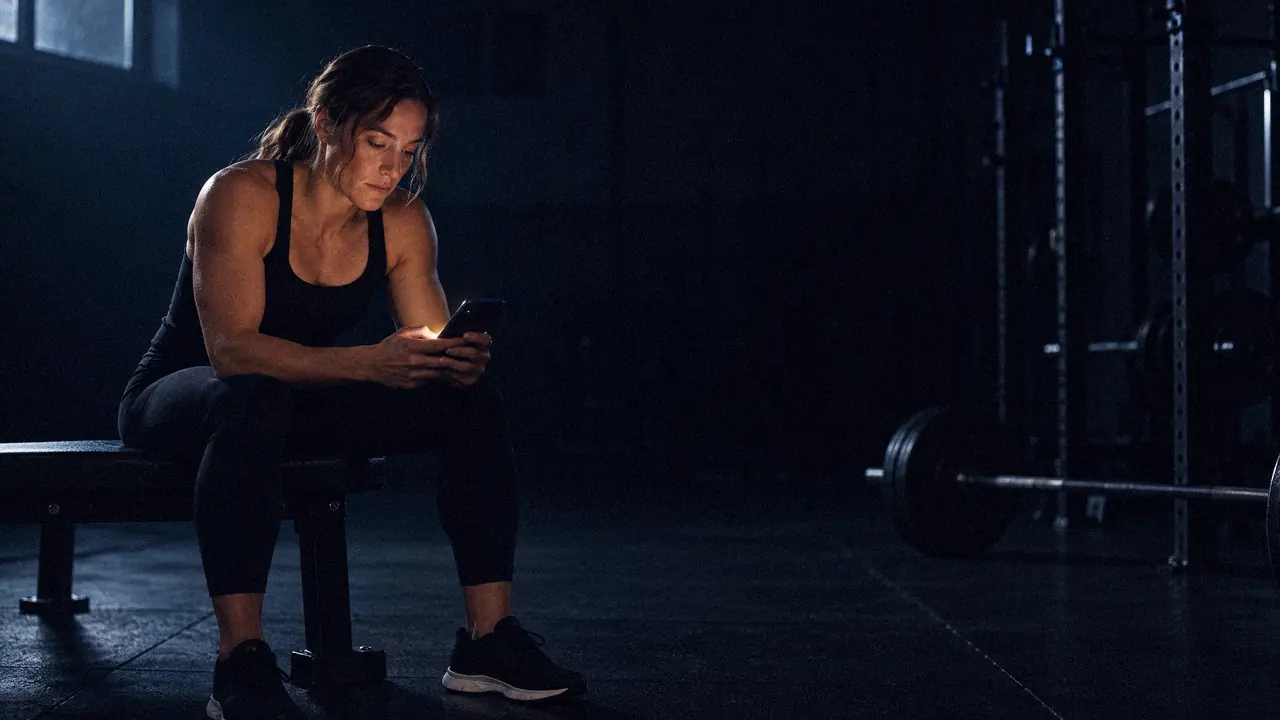
A woman sits on a flat bench between sets, reading her phone, its screen lighting her face.

Between sets, a plain answer.

Coach

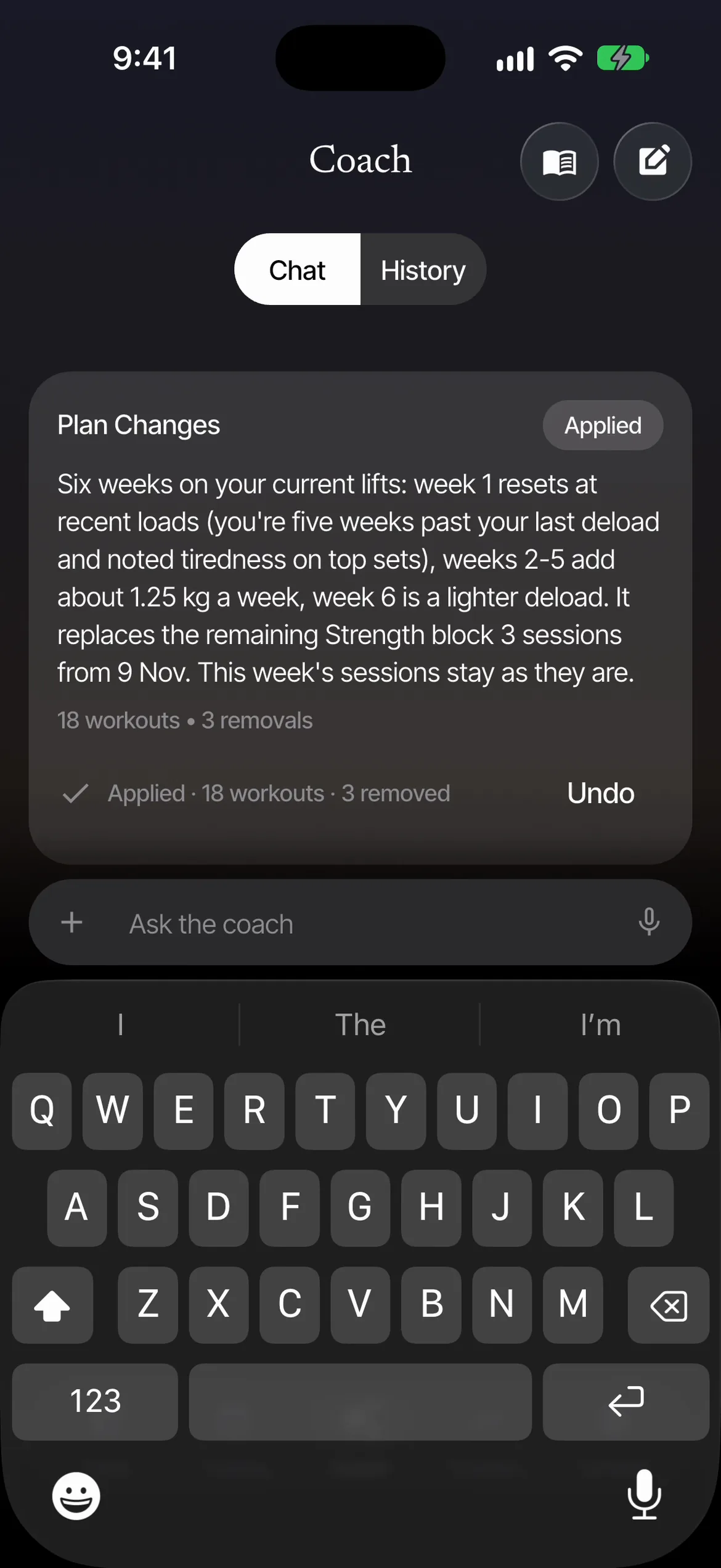
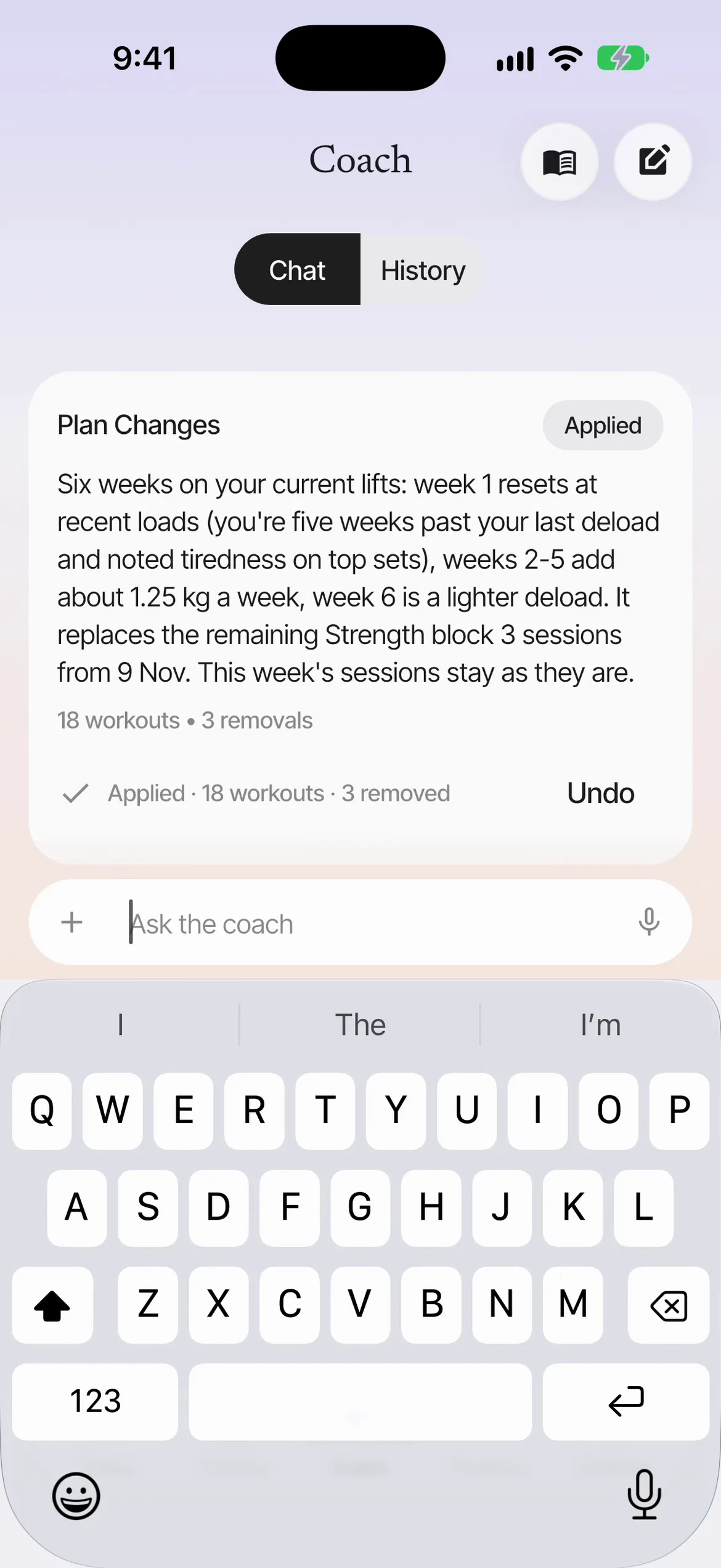
Preview, then apply.

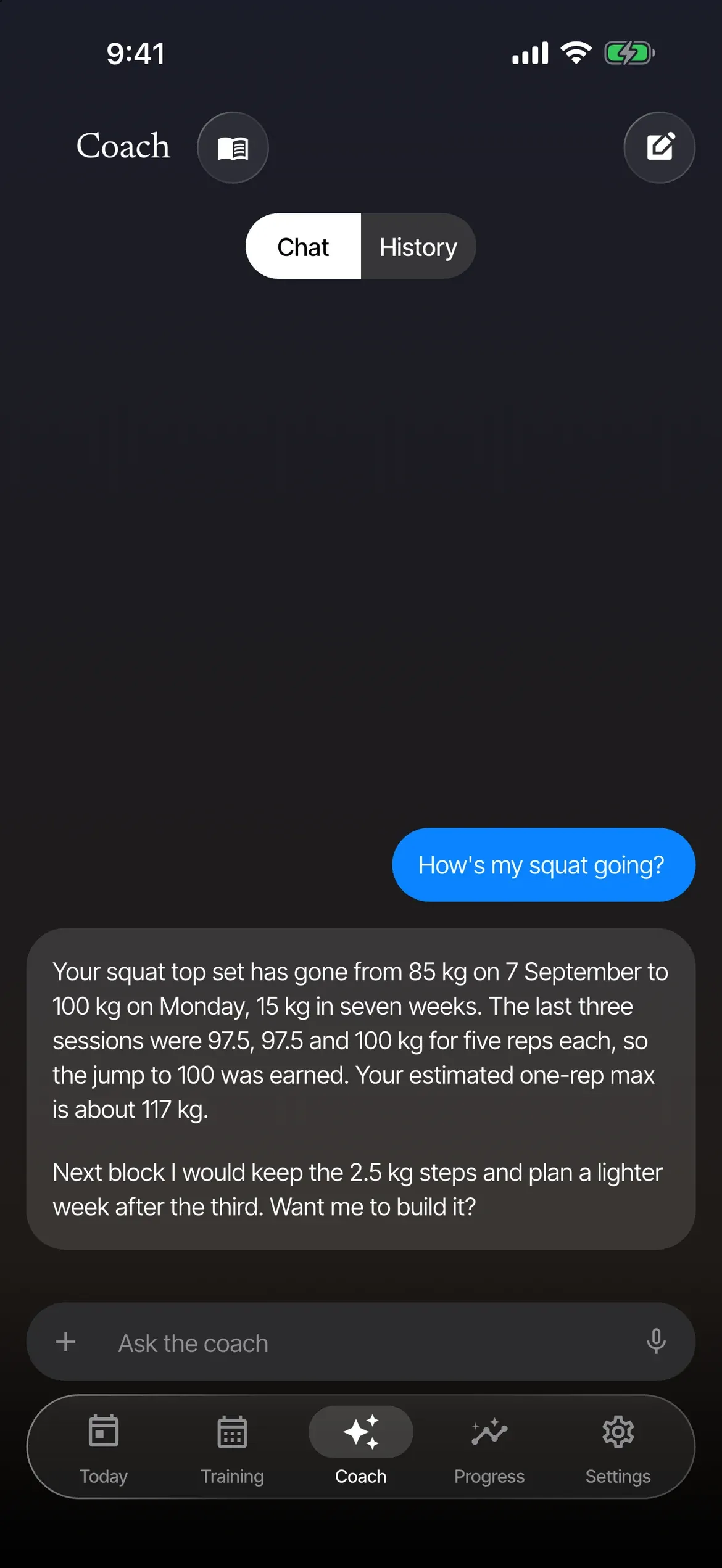
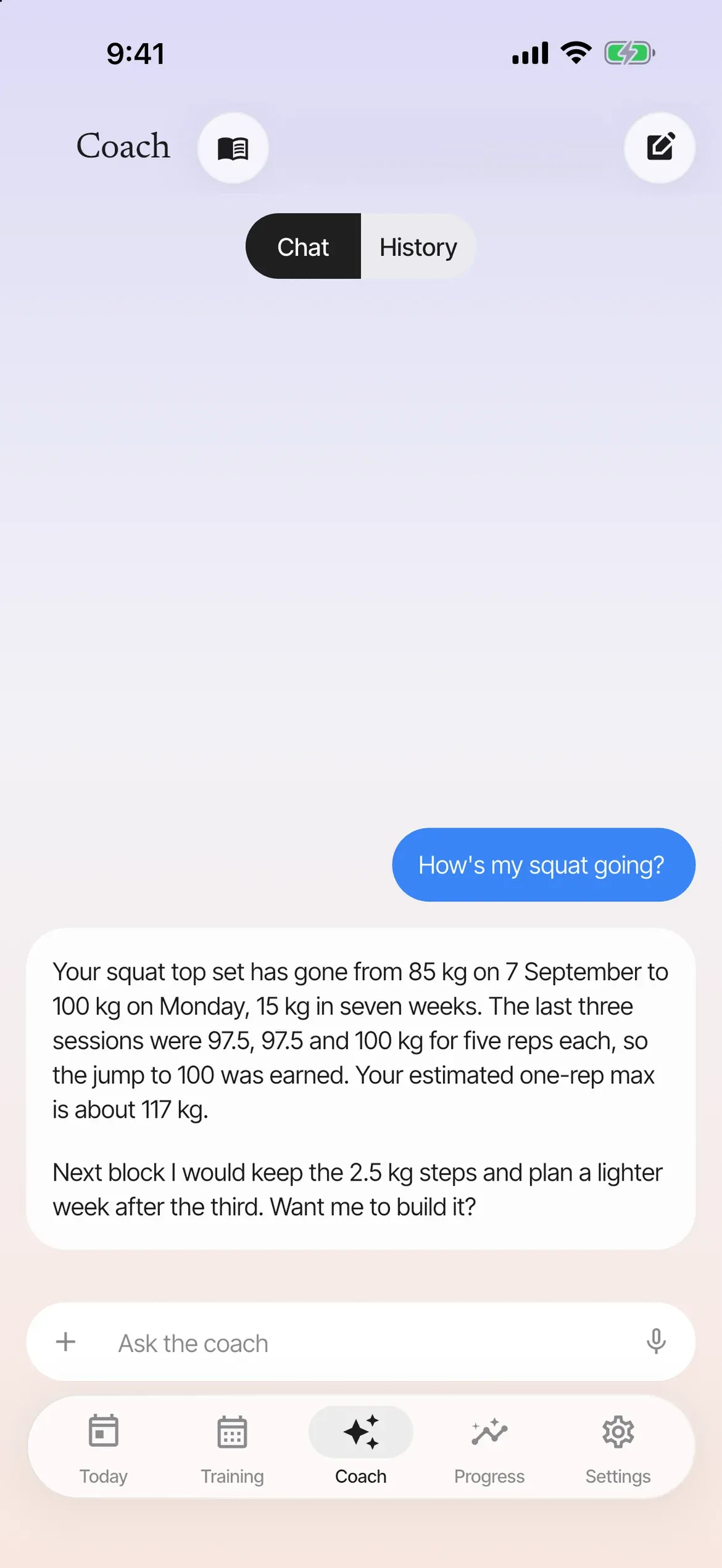
The coach reads your own history, builds and moves your plan as a preview, and logs what you tell it.

  • Squats felt heavy all week and I slept badly. Should I change Thursday?
  • Your sleep scores dropped this week and squats felt heavier. I would suggest a lighter Thursday. Want to preview that change? Nothing is applied until you tap Apply.

Thursday, lower body

Proposed change

Preview
  • Squat3 x 5 at 85 kgwas 3 x 5 at 100 kg
  • Romanian deadlift3 x 8 at 80 kgwas 3 x 8 at 90 kg
  • Leg pressSkipped this weekwas 3 x 10

Thursday, lower body

Applied just now

Applied
  • Squat3 x 5 at 85 kg
  • Romanian deadlift3 x 8 at 80 kg
  • Leg pressSkipped this week

Thursday is lighter. Undo puts it back as it was.

Say it, and it is logged

One sentence, logged.

Type it or say it. Sets, bodyweight, food, daily scores and skipped workouts save as soon as the coach reads them, with Undo on the card.

Bench 3 x 5 at 80, then rows 3 x 8 at 60.

Saved to today

Logged
  • Bench press3 x 5 at 80 kg
  • Barbell row3 x 8 at 60 kg

Every log the coach writes is listed in Coach changes, each with Undo.
A phone lies face-down on a folded towel at the end of a gym bench, in a shaft of window light.

First light, before the first set.

What leaves your phone

Your records stay on your phone.

Workouts, labs, check-ins and photos are stored on the device, and the few things that leave do so only when you ask.

What leaves your phoneWhat leaves, and when. Your phone, where everything is stored. Our server, passes messages through, keeps none. AI service, after you agree.
  1. What leaves your phoneIt settles here. Your phone, where everything is stored. Our server, passes messages through, keeps none. AI service, after you agree.

    It settles here.

    Workouts, labs, check-ins and photos are saved in a database on your phone and are not copied to a server of ours. Photos and lab reports are redacted on the phone before they are stored.

  2. What leaves your phoneA coach message travels. Your phone, where everything is stored. Our server, passes messages through, keeps none. AI service, after you agree.

    A coach message travels.

    When you ask the coach, your message and the history it needs go from your phone, through our server, to the AI service that runs the Esmero Coach. Our server passes them through and does not keep them. This happens only after you answer the consent screen.

  3. What leaves your phoneWhat leaves, and when. Your phone, where everything is stored. Our server, passes messages through, keeps none. AI service, after you agree.

    What leaves, and when.

    Each thing that leaves, and what has to happen first.

    Exercise names, thumbnails and clips
    Fetched from ymove through our server when you browse the library. The request carries nothing of yours.
    Coach messages, and the history the coach reads
    Sent through our server to the AI service that runs the Esmero Coach, only after you answer the consent screen. On the consent screen, Allow includes bloodwork, blood pressure, protocols and cycle data, and Customise lets you leave any of them out. You can switch each one off later in Settings.
    What the coach remembers
    Facts you tell the coach, like a sore knee or a busy fortnight, are saved on your phone and go with your coach messages. Settings → Coach memory lists each one, to edit or delete, and backups include them.
    Your cycle
    Periods, symptoms, phases and factors are read by the coach only with the Cycle switch on. Allow on the consent screen turns it on, and you can switch it off in Settings. Cycle reminders can leave cycle words out of the notification.
    Attachments you send to the coach
    Only the redacted copy, only when you add it to a message. Originals never leave the phone.
    Exports and backups
    Only when you export, or switch on a weekly backup to your own Files or iCloud Drive folder. Bloodwork, protocols, cycle data and other sensitive records stay out unless you include them.
    Questions to the coach's reference library
    The question text only, never your records. The app works fully without it.
    A usage count
    Our server keeps a monthly count of coach usage for this build, the tokens and their cost, and one line per request with its size, timing and status, to apply fair limits. It never keeps what a message says.
    Your account and subscription
    Not yet. There is no account, so nothing of yours is held for one. Accounts and subscriptions come before launch, and this page will say what they keep.
    Food searches and barcodes
    The words you search for go to ymove through our server, and so does a scanned barcode that is not already on your phone. Nothing else of yours goes with them.
    A meal description or photo
    Sent to ymove only when you ask it to log a meal. In the works.
    A video of a set, for form checking
    Sent to ymove only when you tap Analyse. Deleted after analysis by default, never backed up, never sent to the coach. In the works.

    Everything else stays.

    We say when something is sent, and to whom. What the AI service that runs the Esmero Coach does with a message once it arrives is covered by its own terms.

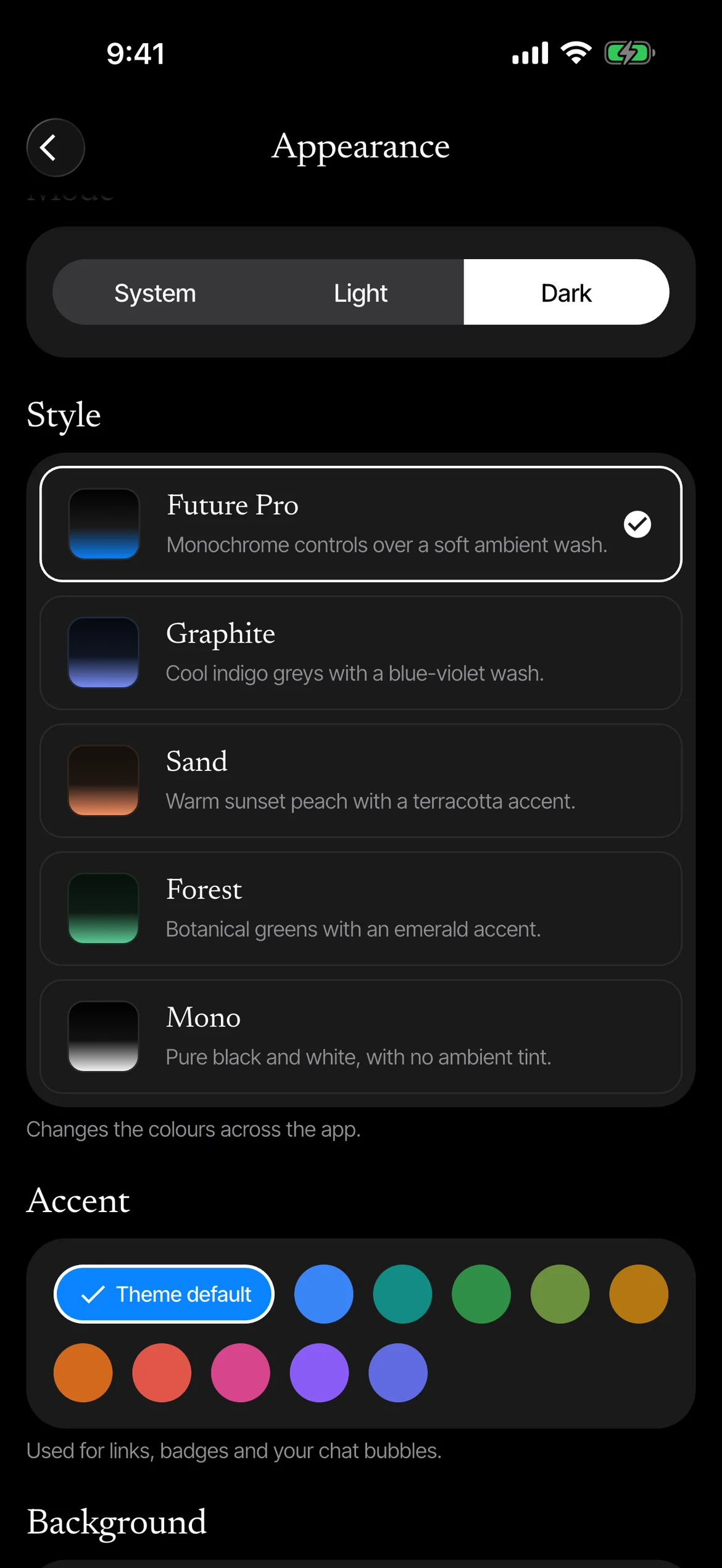
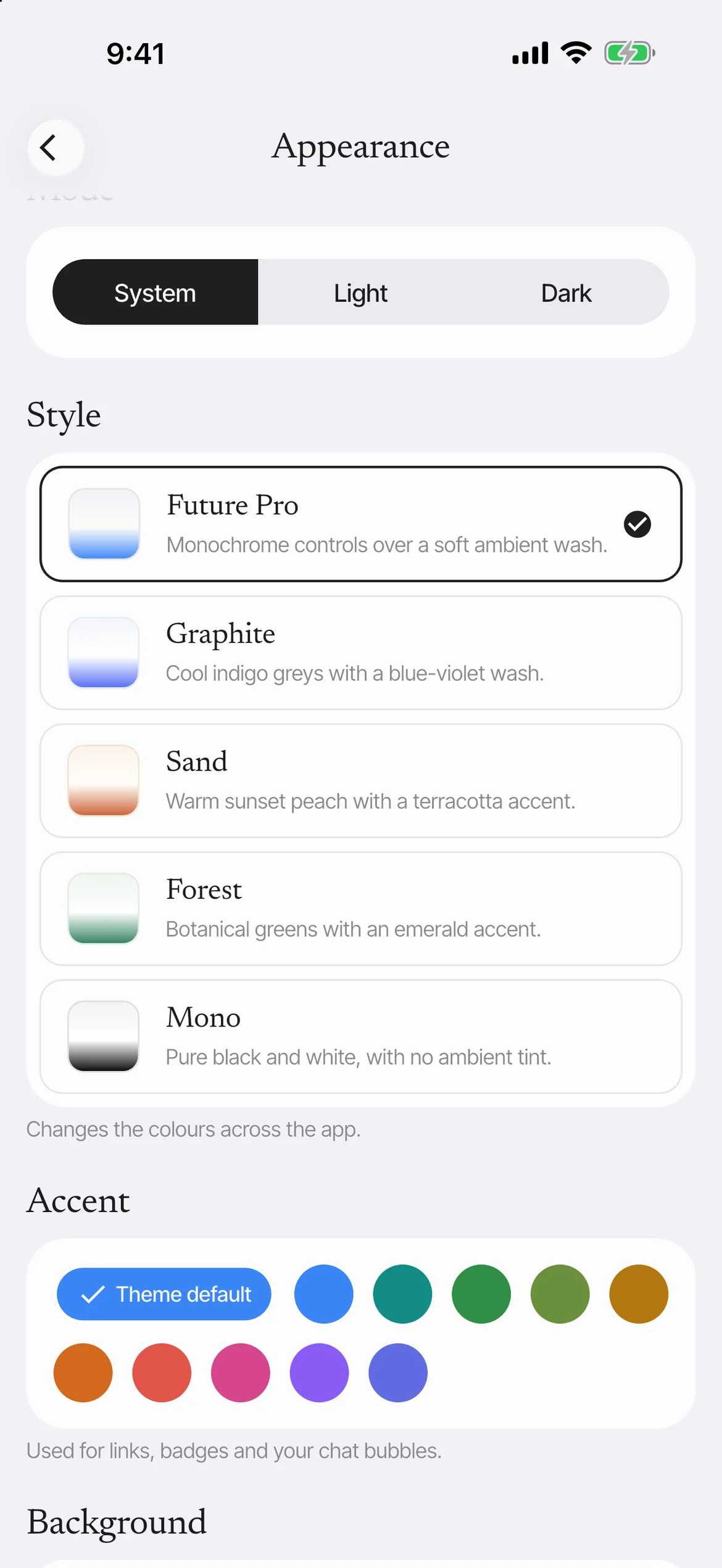
Your accent and themes

Your colour, not ours.

Esmero has no brand colour inside the app, so pick the accent you like and it runs through the whole thing, this page included.

Accent

Actions stay black and white. Colour is kept for your data, for done, and for the accent you chose.

Five styles, light and dark.

  • Future Pro
  • Graphite
  • Sand
  • Forest
  • Mono

Each follows the system setting or your own, with an ambient wash you can turn off.

Everything it tracks

Everything, in one calm place.

Today, Training, Coach, Progress and Settings, with no feed, no inbox and no badges.

Train

  • Logging

    Two taps a set, filled in from last time.

  • The finish

    A short moment when you finish the workout, then the plain summary.

  • Exercise videos

    A clip of the movement in the player for library exercises, between sets.
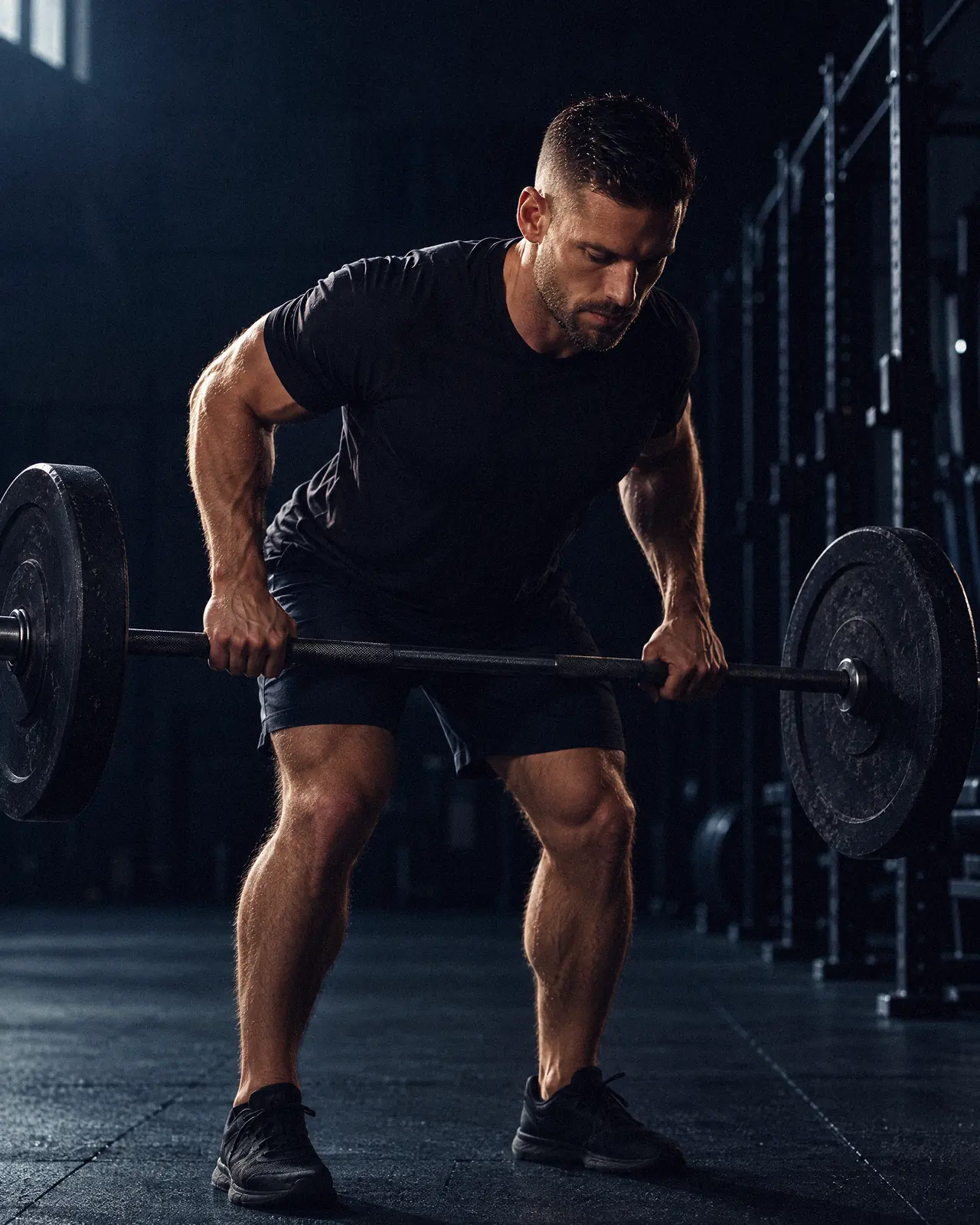
  • A man mid-rep of a bent-over barbell row in a dark gym, lit from behind.
    One set, kept as it was done.
Rest timer
Starts when you save the set.
Cardio
Distance, time and pace inside a workout, with a stopwatch and intervals.
Haptics and sounds
A tap you feel when a set is ticked, a sound when rest ends. Both can be switched off.
Training week
The week ahead, workout by workout, each with its exercises.
History and PRs
Every set you have done, and an estimated 1RM per lift.
Import from Hevy or Strong
A CSV export, read on your phone and checked before it is saved. Any import can be undone.

Progress

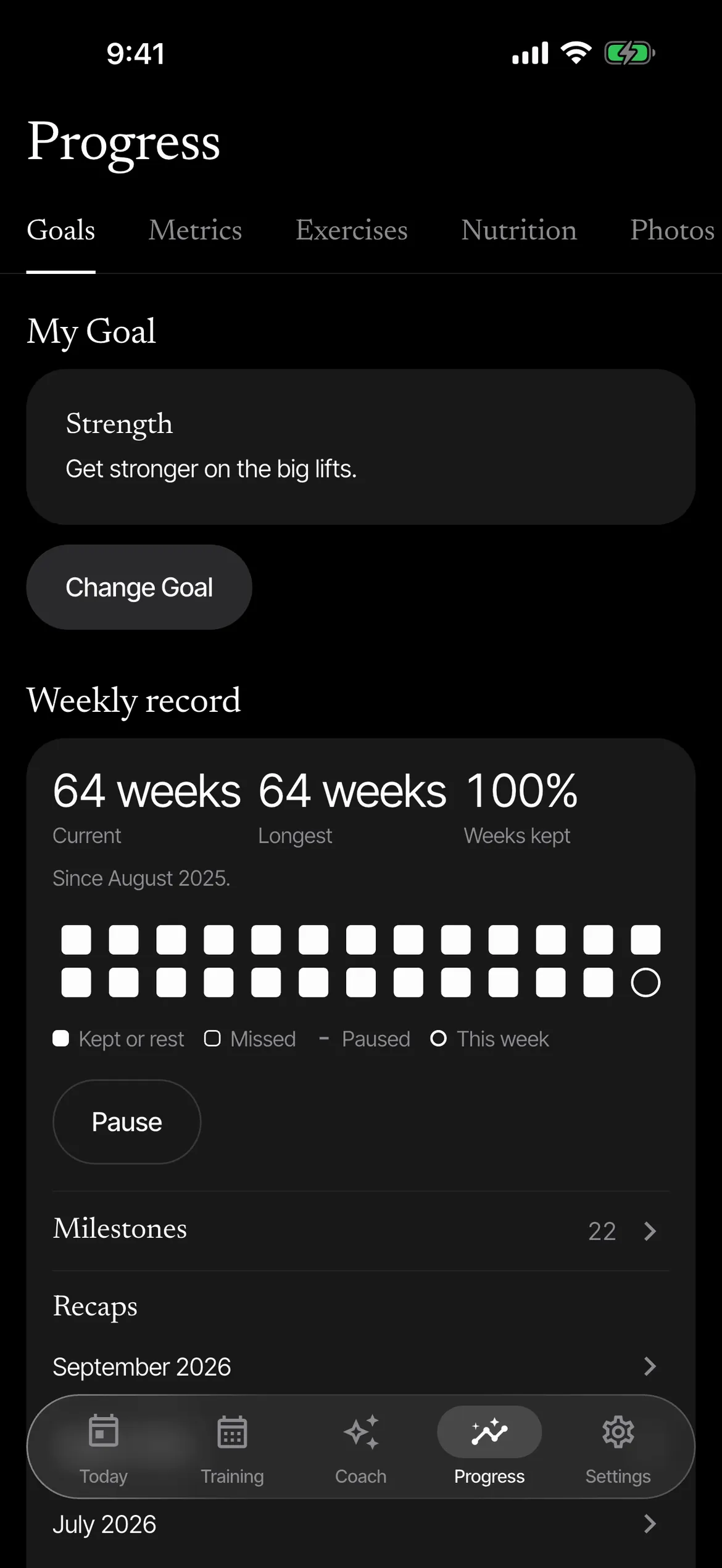
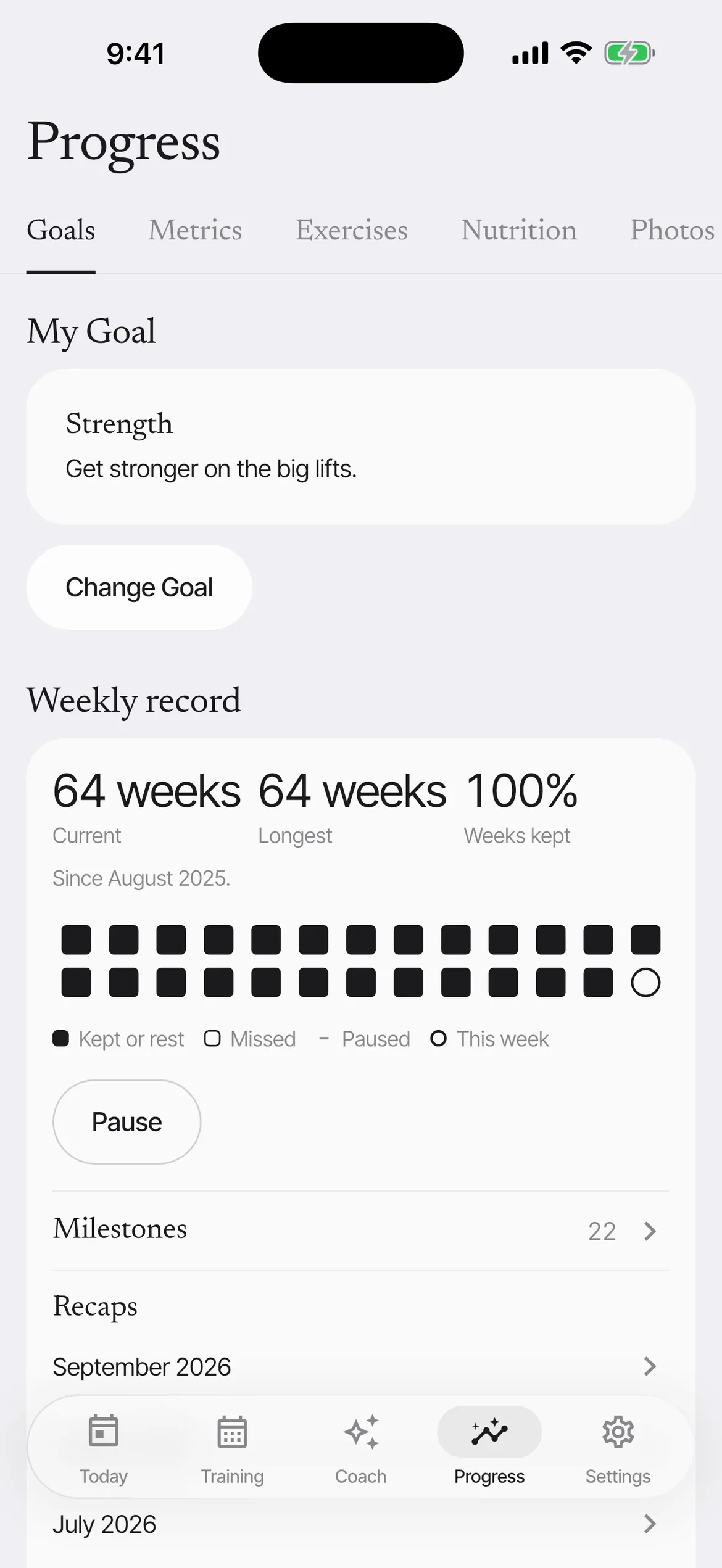
  • Weekly record

    Weeks kept against your own plan. A rest week counts, and a pause never breaks the run.

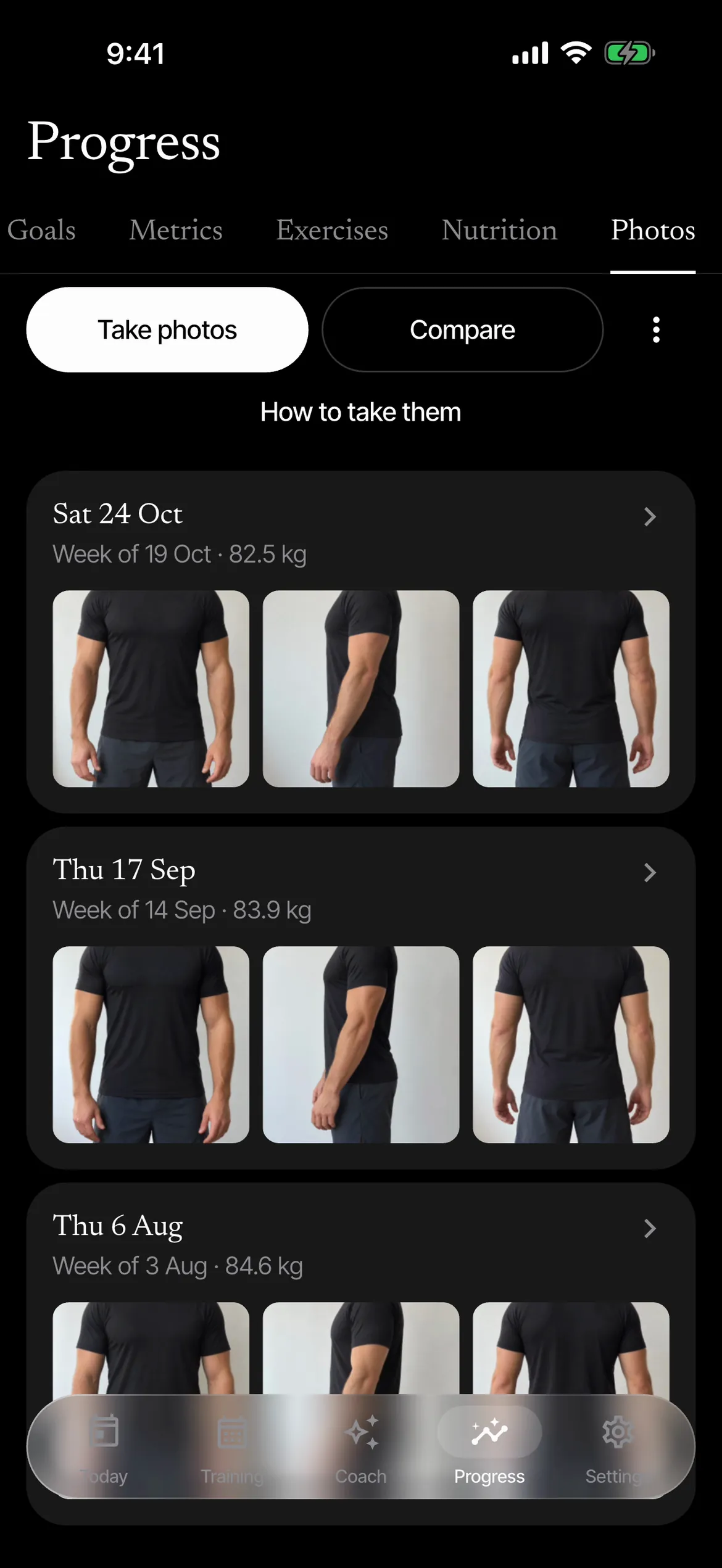
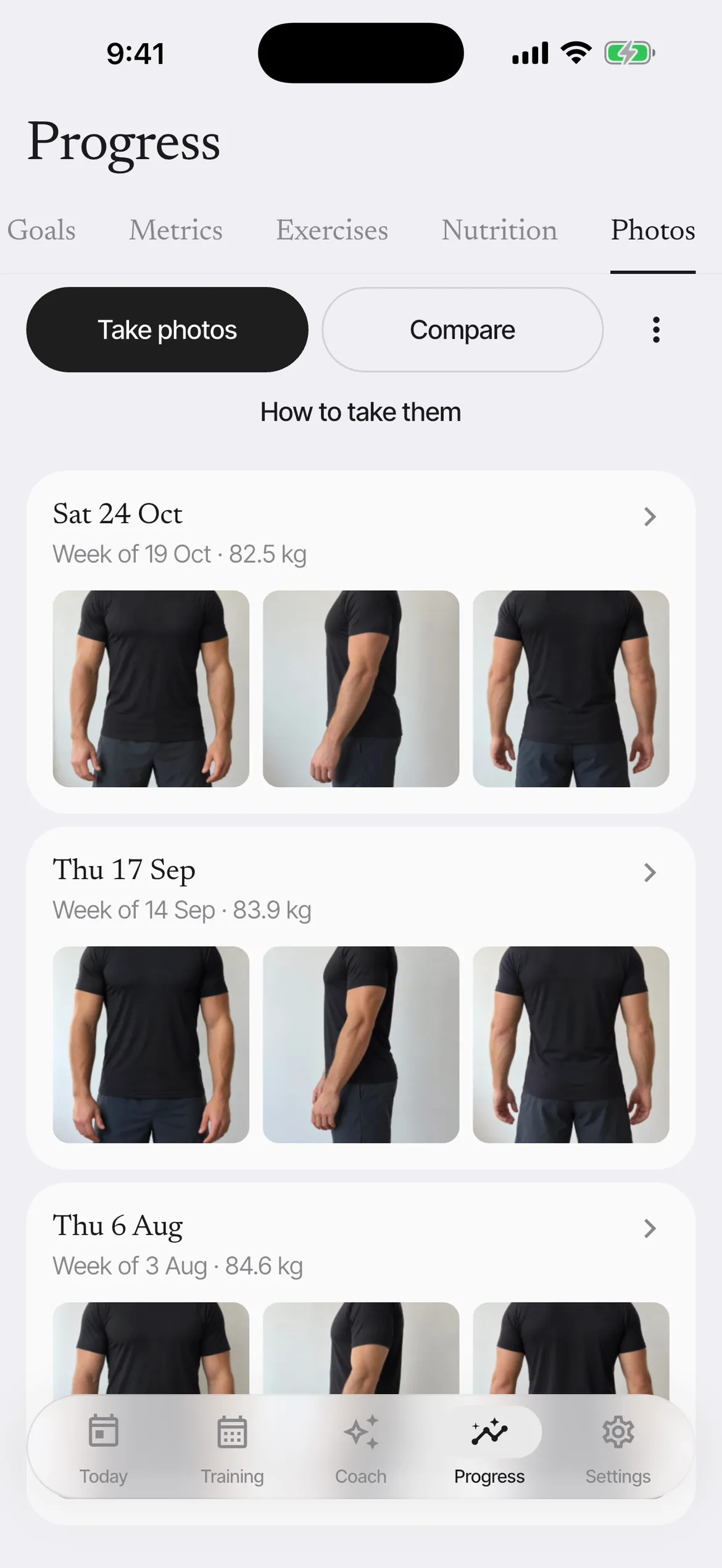
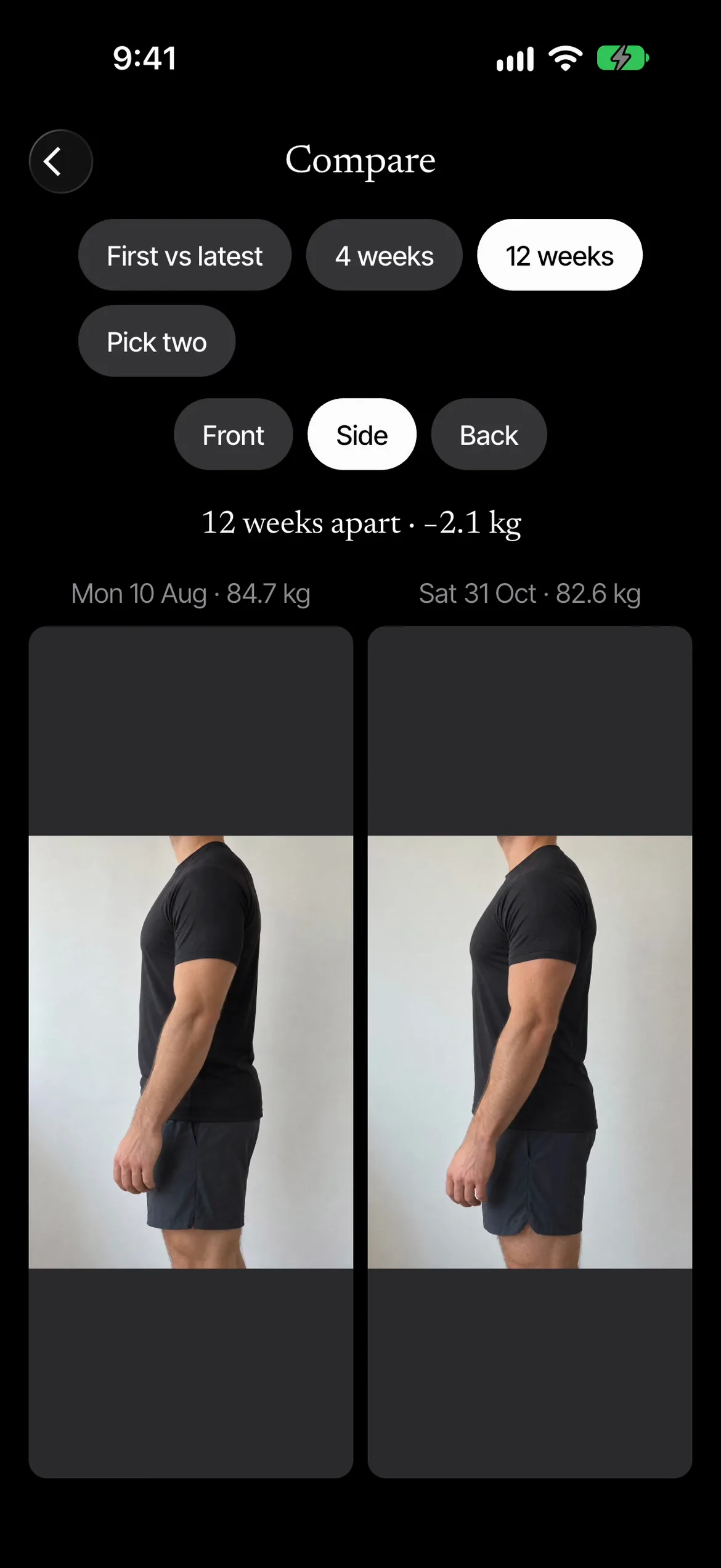
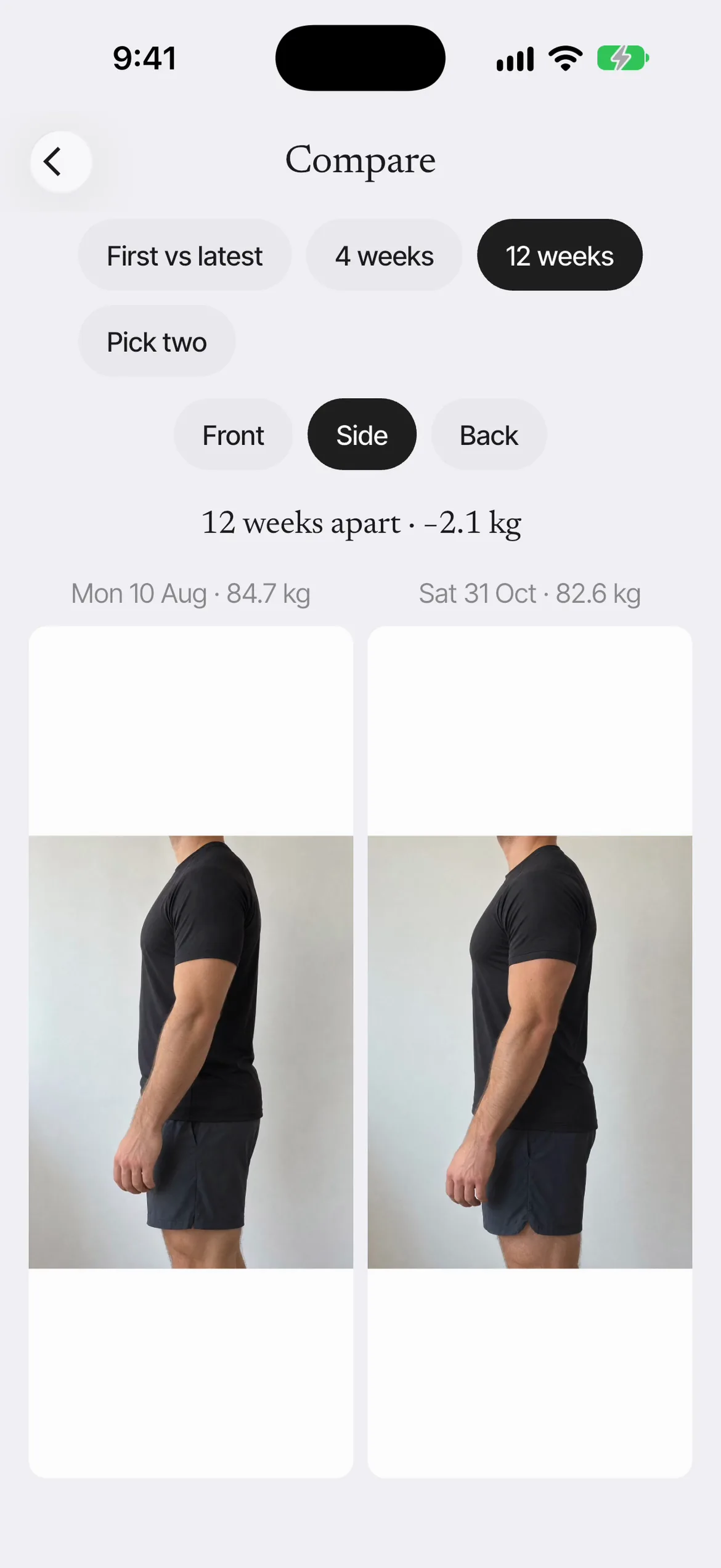
  • Progress photos

    Front, side and back, lined up with a ghost of last time, then side by side.

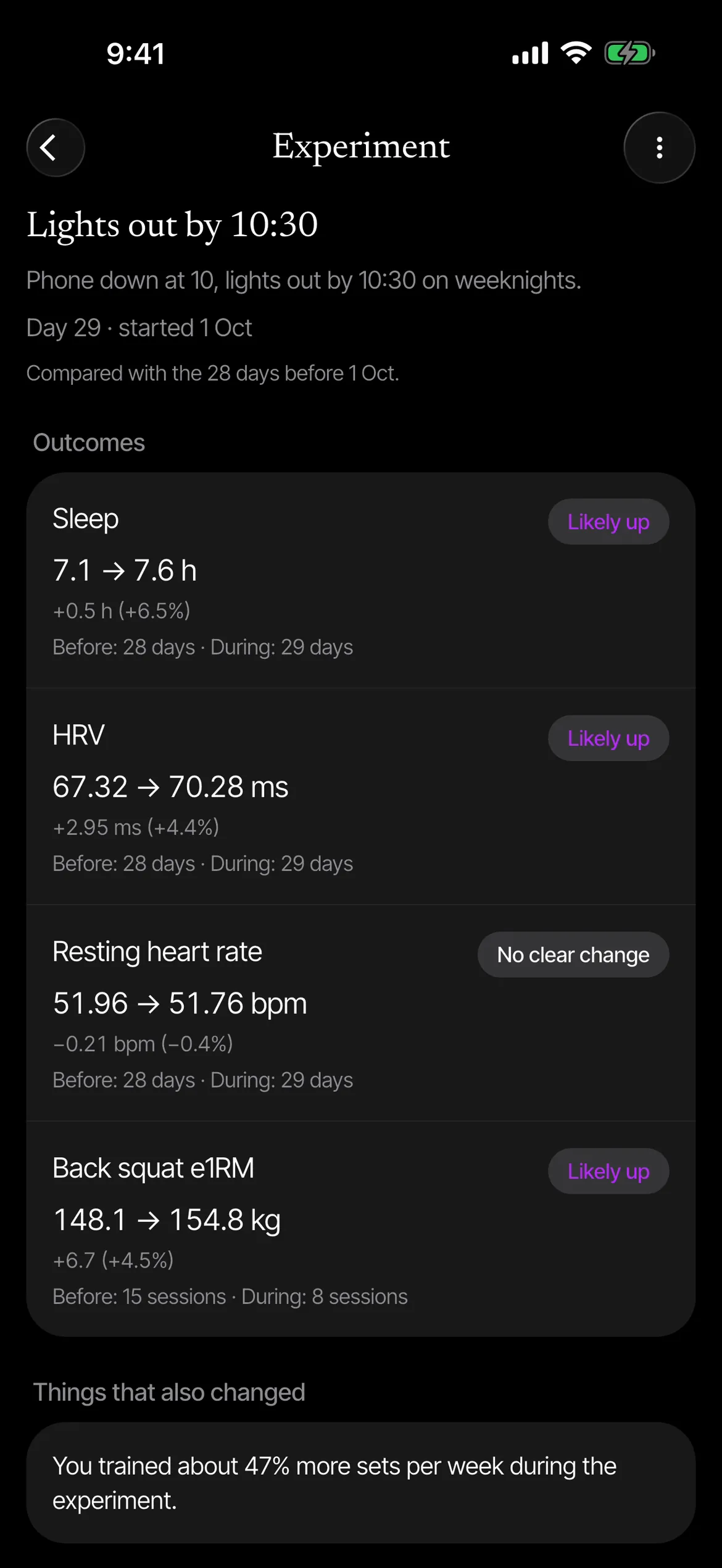
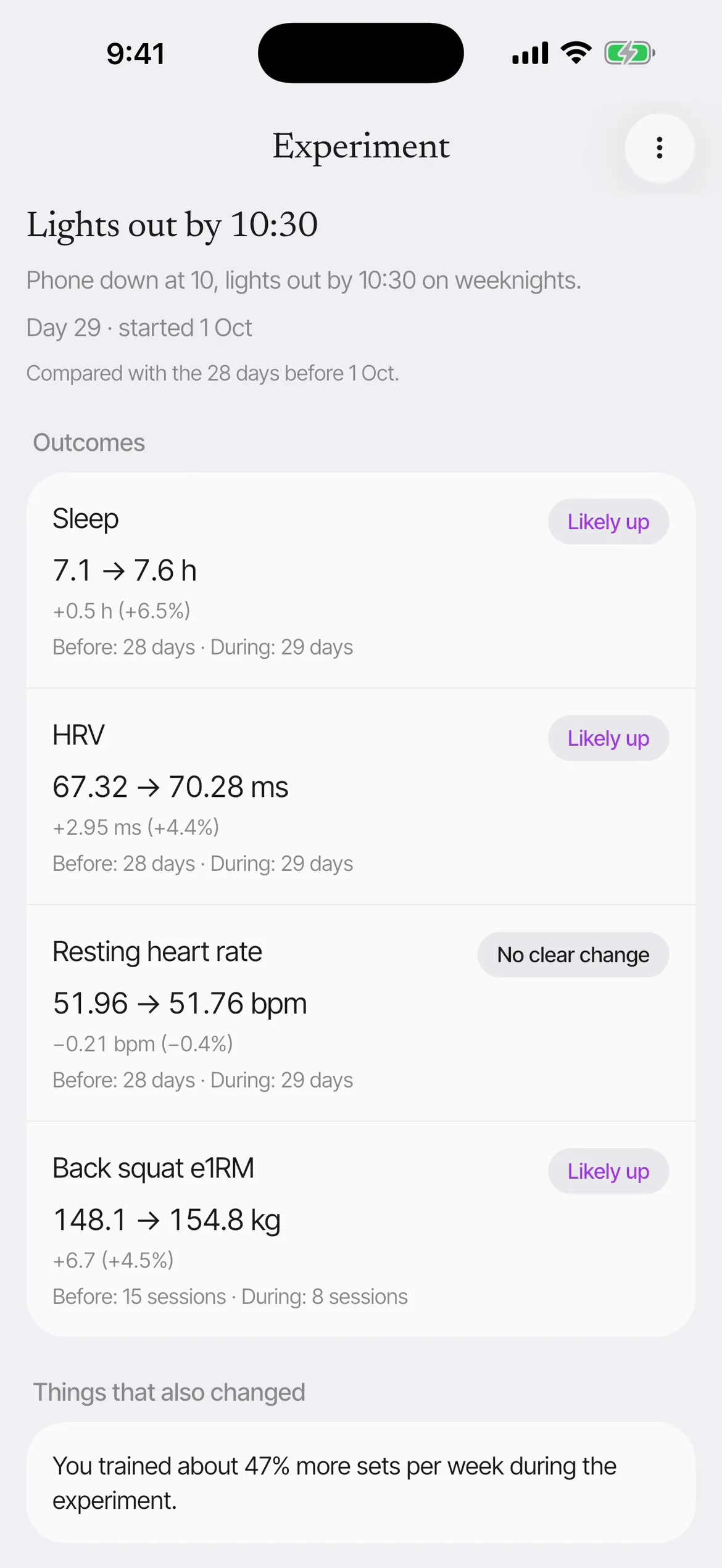
  • Experiments

    Try one change and see whether anything moved, with what else changed beside it.

Milestones
Round numbers on the bar, session counts and runs of kept weeks, each noticed once.
Recaps
The month and the year as a full-screen story, worked out from what you logged, to share as a short video or one slide.
Muscle map
A body shaded by what you trained or how rested each muscle is. A switch that stays on this phone shapes it from your stats.
Body metrics
Weight, measurements and daily scores, as trends.
Period comparison
This block against the last, side by side.
Weekly check-in
Energy, sleep, soreness and pain, the same four questions each week.

Health

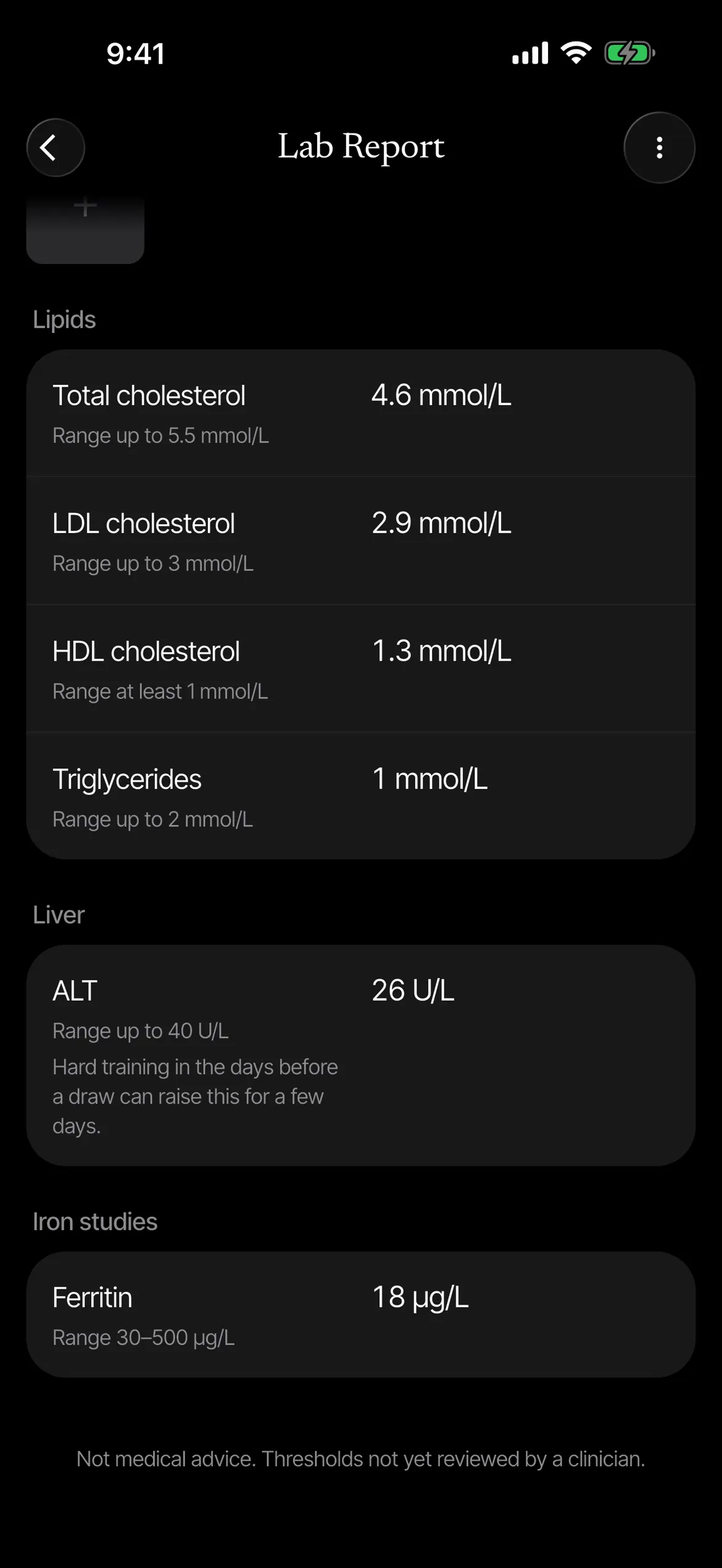
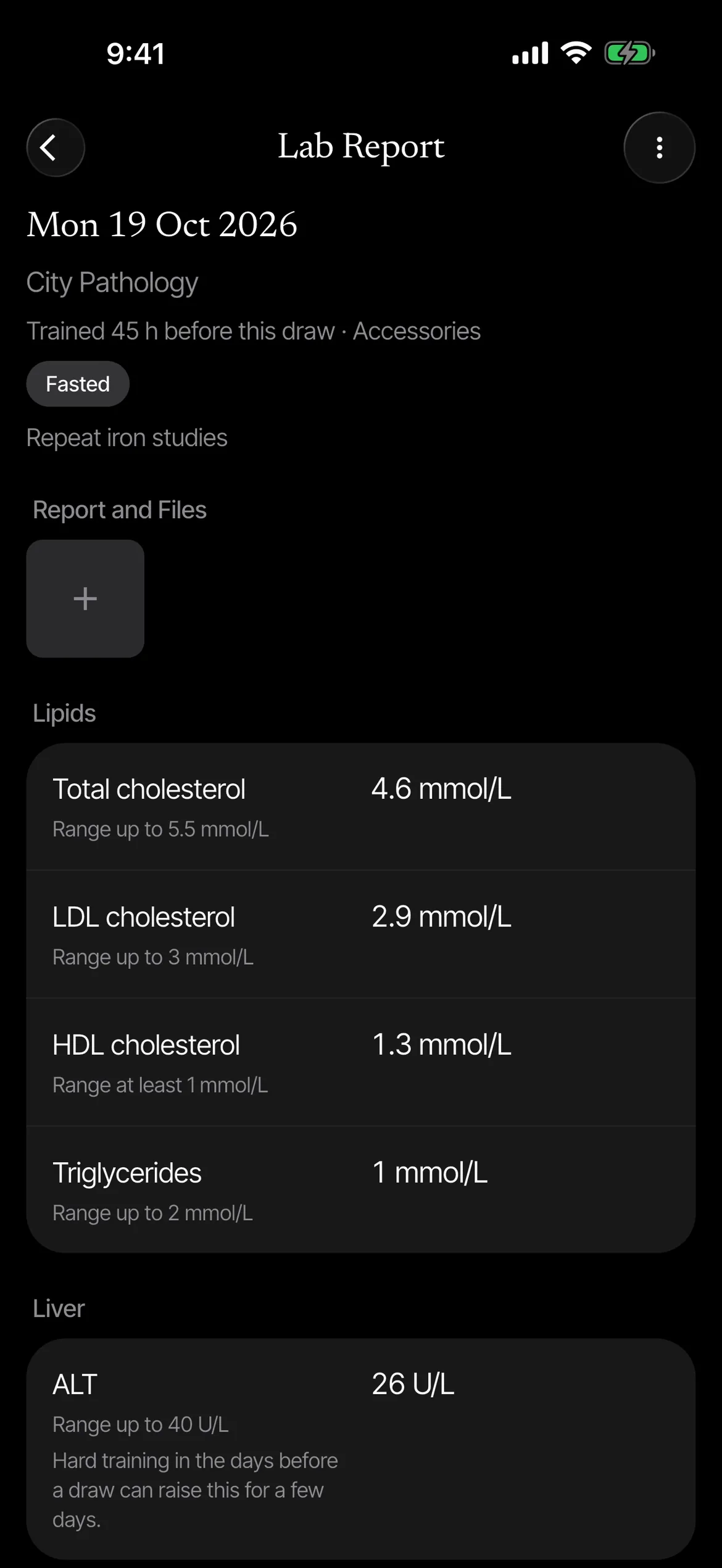
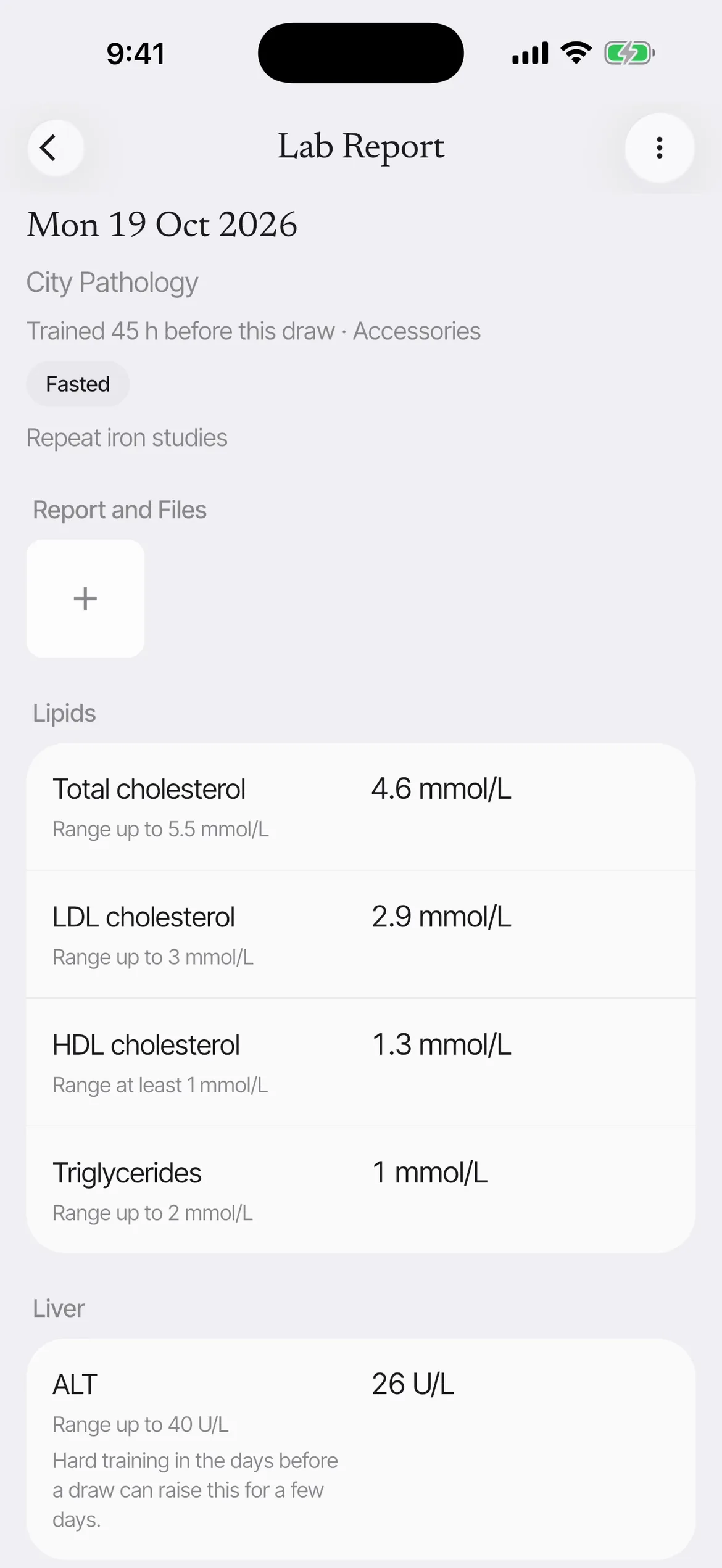
  • Labs

    Results in the units your lab printed, with the lab range.

  • Doctor summary

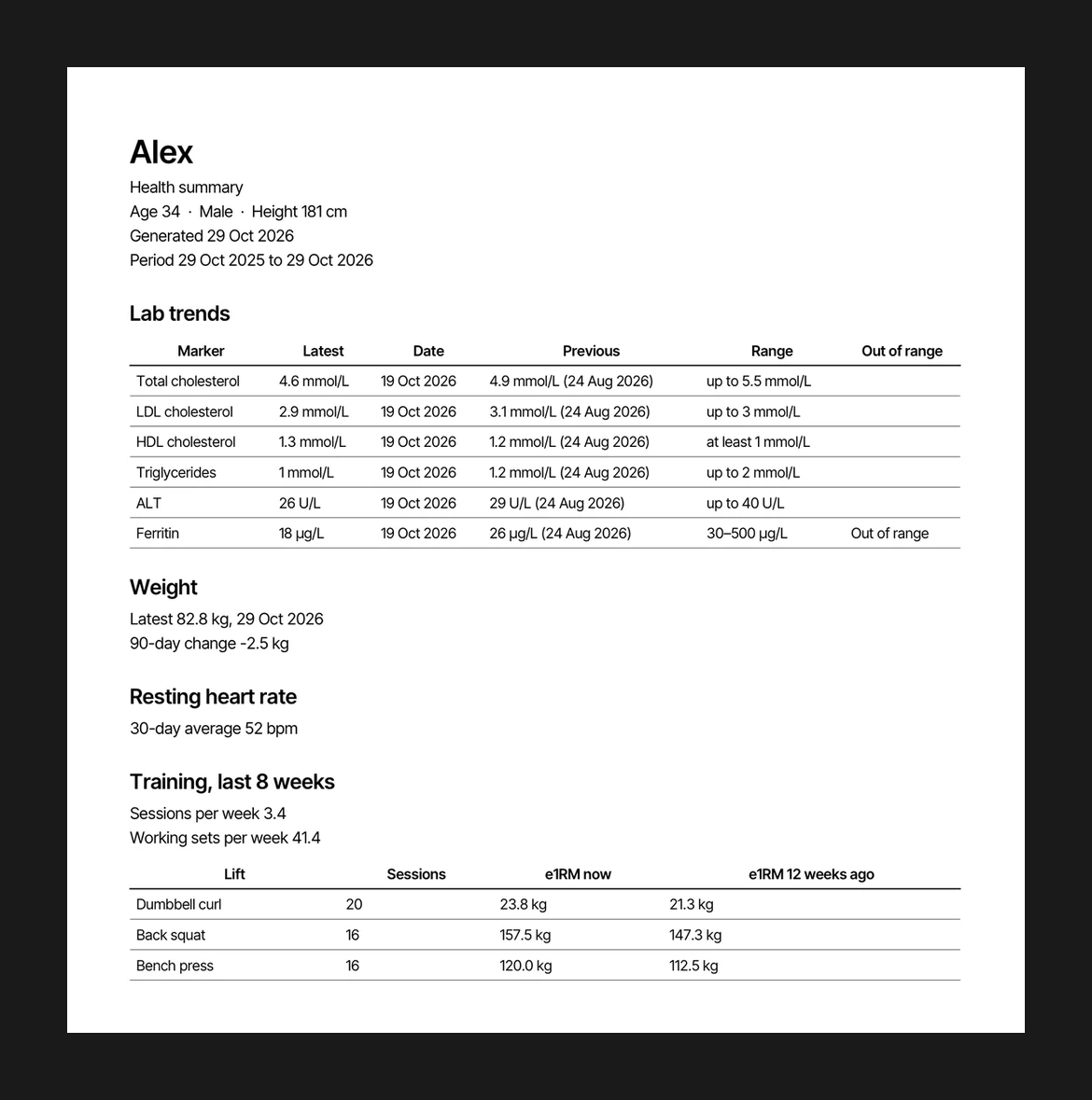
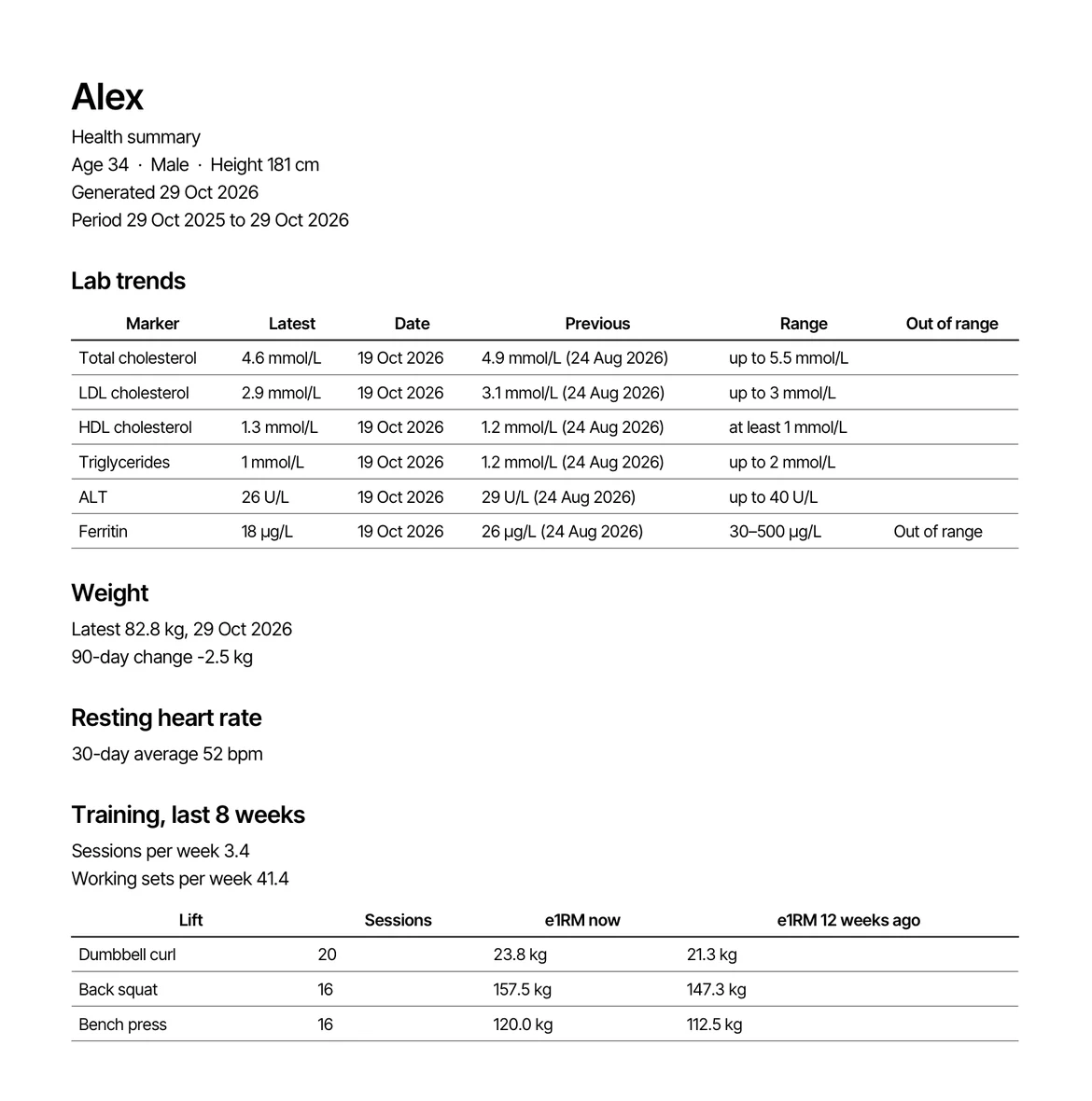
    Your labs, flags, blood pressure, weight and training as a PDF, made on the phone.

  • Protocols

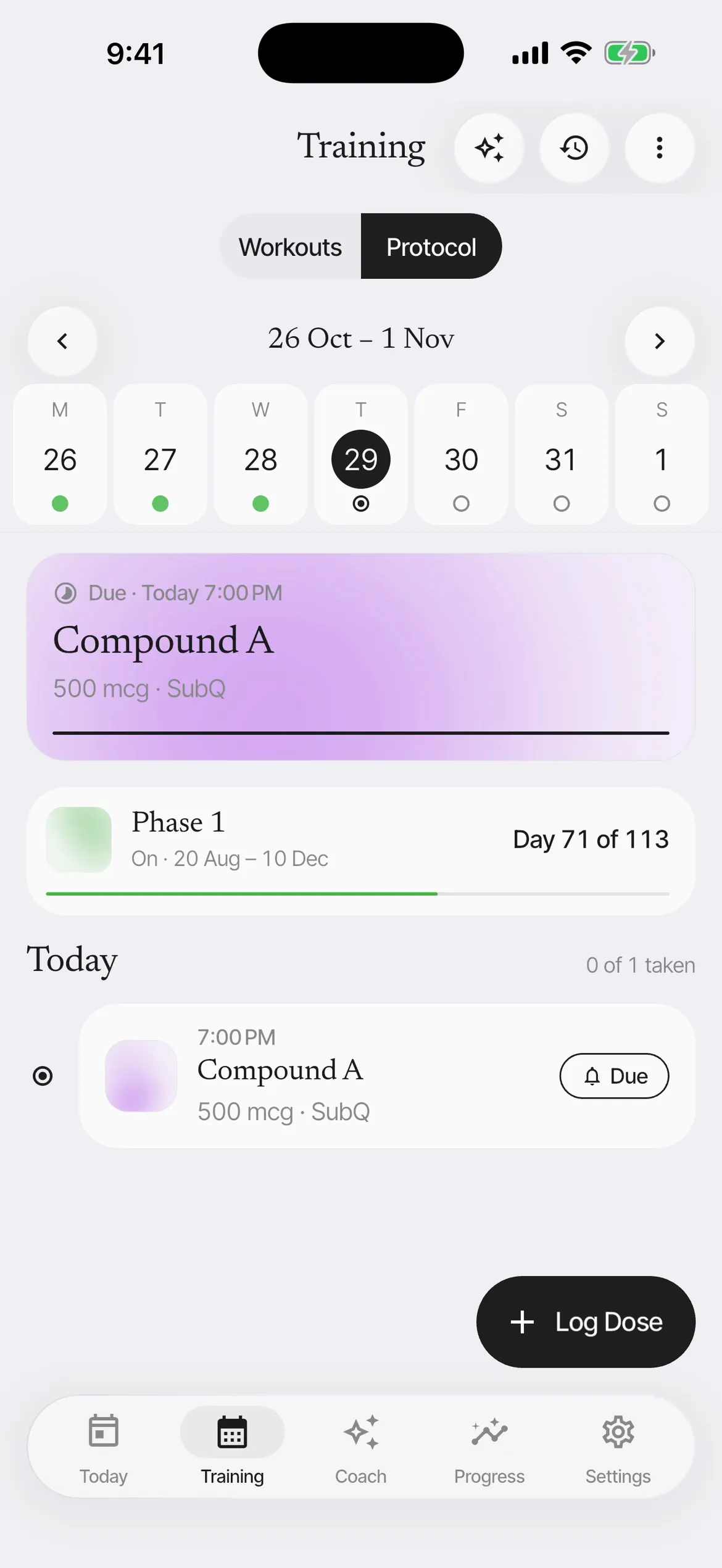
    Doses logged, phases shaded on your charts, hidden until you turn them on.

Nutrition
A food diary with Australian food data, barcodes, targets and day types.
Planned blood tests
A prep checklist, a card on Today and a reminder the evening before.
Period and cycle
Periods, phases on your charts and lab results, and your own pattern.
Health sync
Steps, sleep, resting heart rate and HRV from Apple Health, read only.
Nutrition trends
Calories and protein over 7, 30 or 90 days, beside your weight.

Coach

  • Coach chat

    Ask about a lift, or ask for a block. The answer comes from your own sets.

  • Themes

    Five styles, ten accents, light and dark.

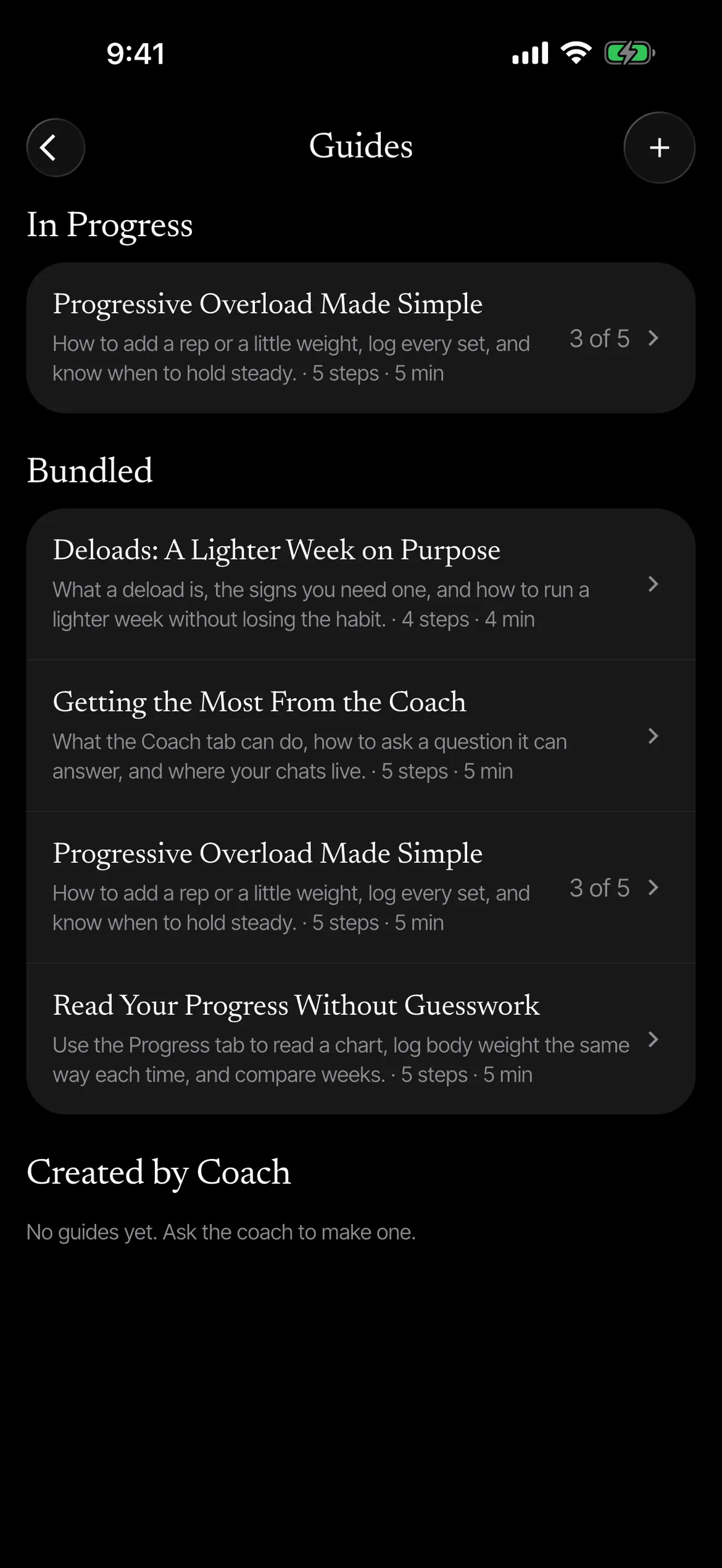
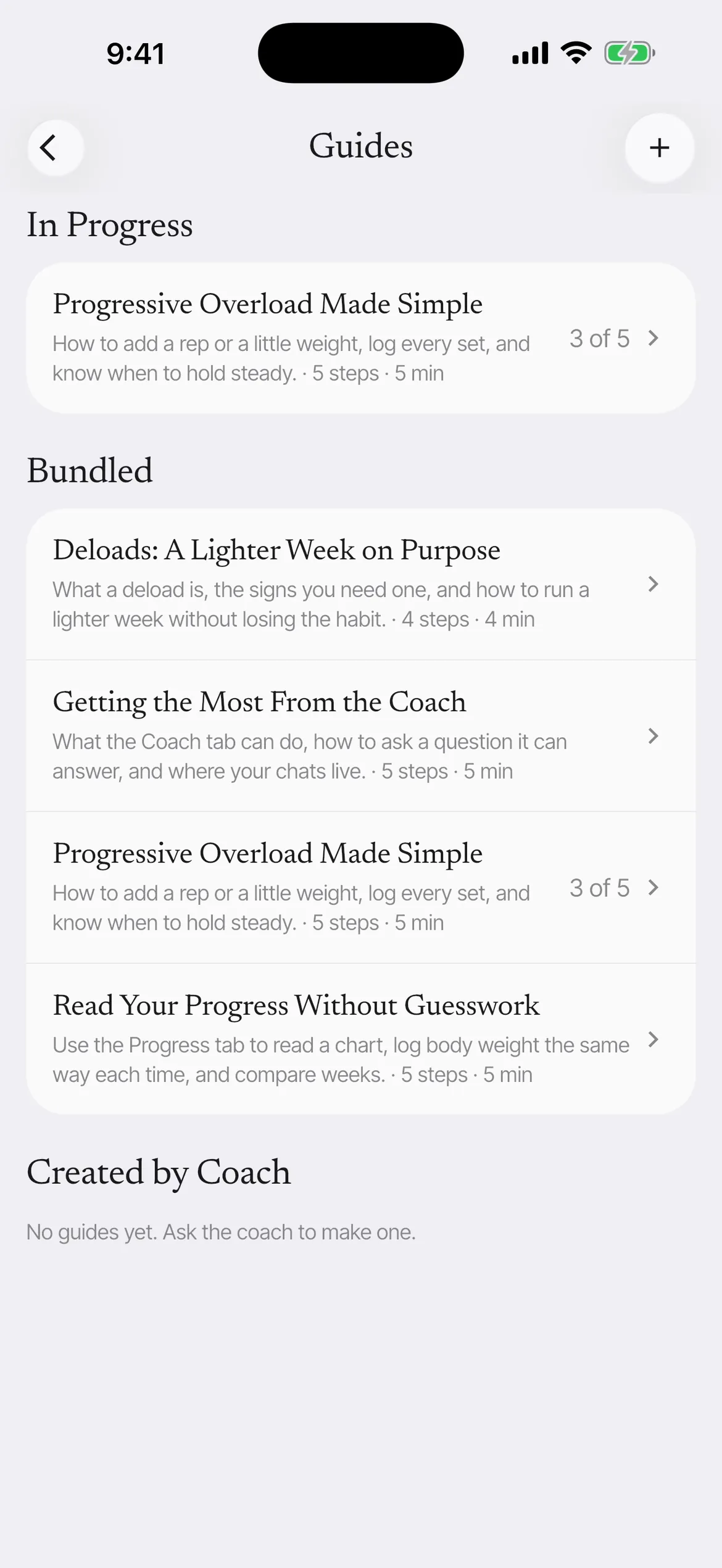
  • Guides

    Short guides on training and health, and ones the coach writes for you.

Coach memory
What the coach keeps in mind across chats, listed in Settings to edit or delete.
Explore
Every feature and setting in one list, found by what you want to do, with the words to say it to the coach.
Export and backup
CSV, a full JSON backup, and a weekly copy to your own Files folder if you want one.
  • In the works

    Form checking

    Record a set, send the video for analysis only when you choose, and get plain fixes. The video is deleted afterwards by default.

  • In the works

    Meal photos

    Photograph a plate or describe it, and a draft of each item appears from food data. You confirm each one before it is saved.

Coming soon

Made for one person: you.

Esmero is coming to the App Store. The waitlist opens closer to launch.